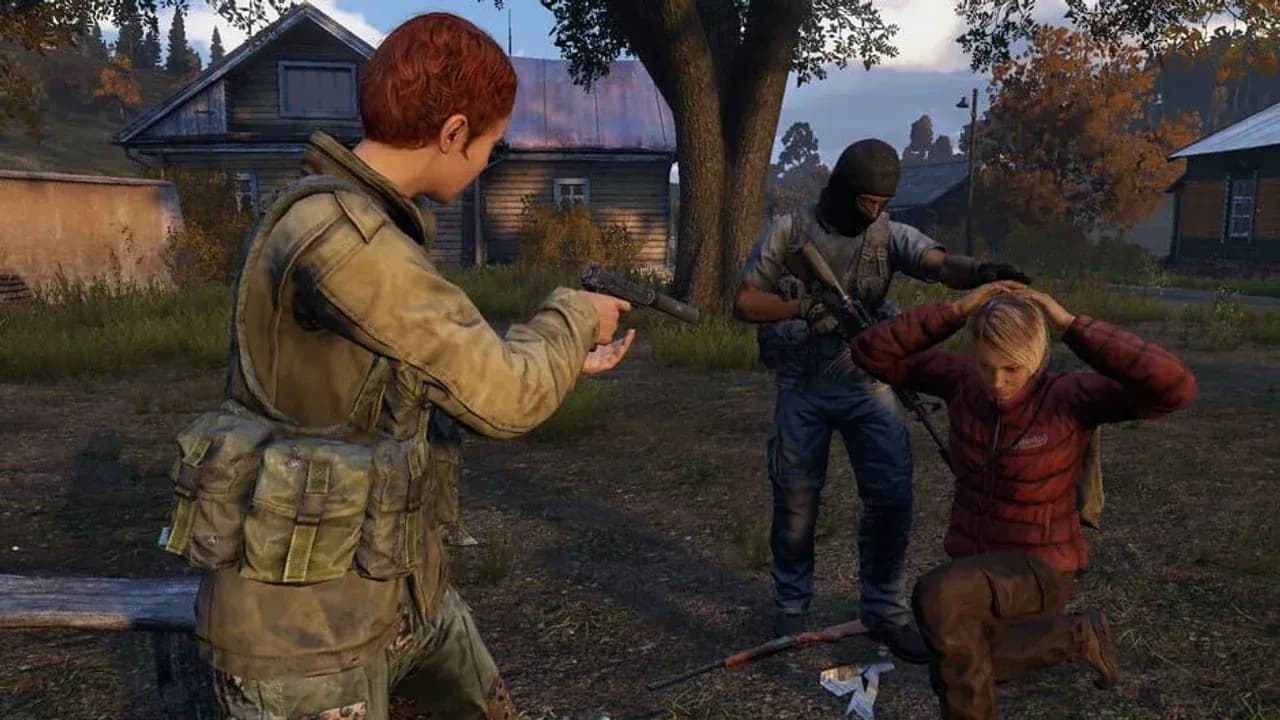
DayZ’s community modes are not just high-loot versions of the official game. They remove the part of survival that makes a normal run recognizable and replace it with a different contract: Battle Royale turns a life into a match, Deathmatch turns gear into a loadout, objective modes turn terrain into score, and horde servers turn infected into map control.
That is why “community mode” is not a recommendation by itself. The same label can describe a PC mod, a server-side script, or a console event enforced by rules. Choose the loop you want to play, then inspect the server that implements it.
PC mods make the platform split decisive
On PC, DayZ’s supported modding ecosystem lets community servers add Workshop mods, custom maps, server-side scripts, and their own rules. Bohemia Interactive’s FAQ says modding is officially supported on PC and that full mod support is unlikely to arrive on consoles. Console community servers can still change rules and settings, but they cannot reproduce PC modded maps and total conversions.
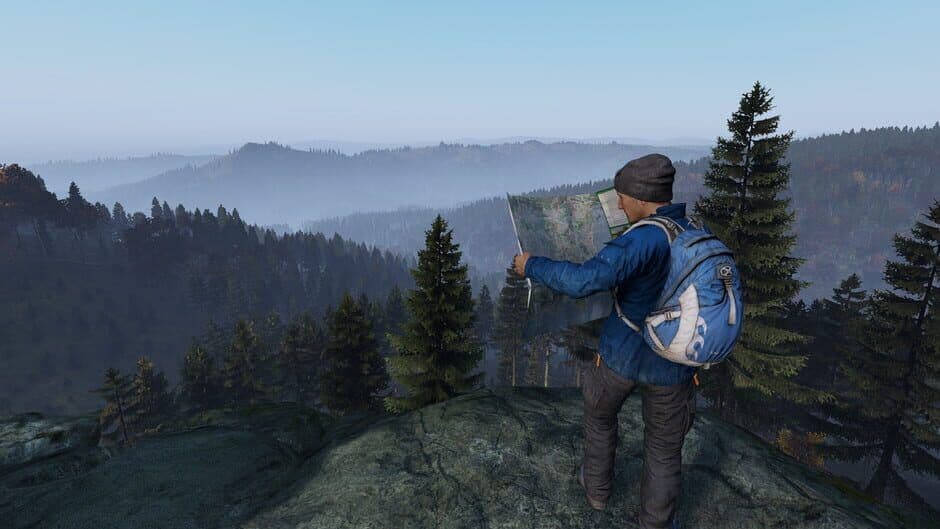
The same map can serve survival, combat, or objective play.
This is the first filter for every mode name. A PC listing that says “Battle Royale” may depend on a particular mod stack and a separate matchmaking flow. On console, the same words can mean a scheduled event, a restricted PvP zone, or a rule set layered over vanilla. The platform determines how much of the game the server can actually replace.
Battle Royale turns Chernarus into a last-survivor match
The DayZ BattleRoyale Workshop mod is built around a slow-paced last-man-standing format inspired by the Arma 3 BattleRoyale mod. Its value is not that it makes DayZ faster; it gives every decision a match endpoint. You are not protecting a character for tomorrow’s run. You are deciding how long this run lasts.
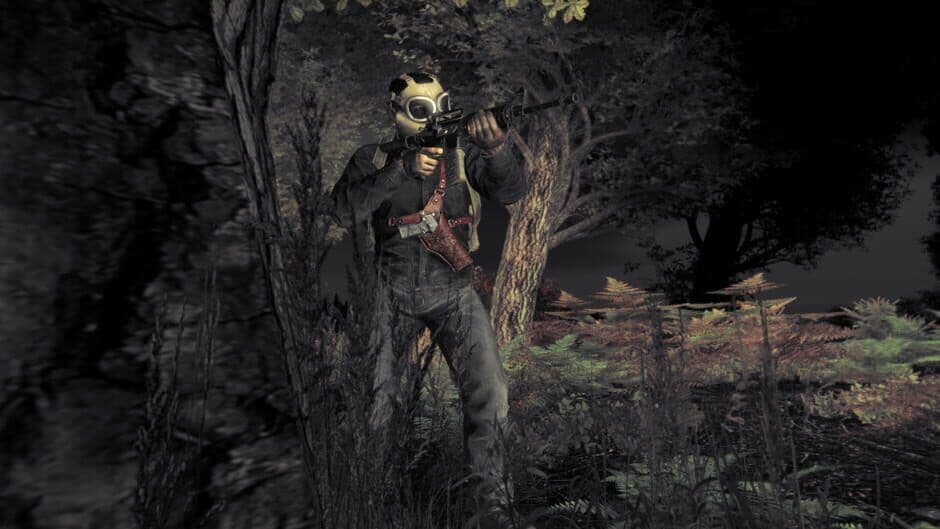
Battle Royale keeps DayZ’s terrain reading while compressing a life into a match.
The mod’s matchmaking is part of that change. Its listing says direct server connections are disabled: you launch the mod to its own main menu and select Play. That makes it a poor fit for someone searching the ordinary community list for a quick vanilla-adjacent session, but a compelling fit if you want DayZ’s terrain and sound discipline inside a clearly bounded competition.
Battle Royale preserves DayZ’s tension while moving the cost. Vanilla makes you fear losing hours of scavenging and travel. A last-survivor match makes you fear the next exposure: crossing open ground, firing first, or rotating before another player hears you. The character still dies, but the match—not the inventory—is the thing you are trying to preserve.
Deathmatch makes DayZ’s gunplay the whole appointment
Deathmatch removes the preparation period that normally gives DayZ’s firefights their weight. You arrive expecting combat, so the useful question is no longer whether you can build a life from scraps. It is whether you can read an angle, move between cover, and win the next engagement.
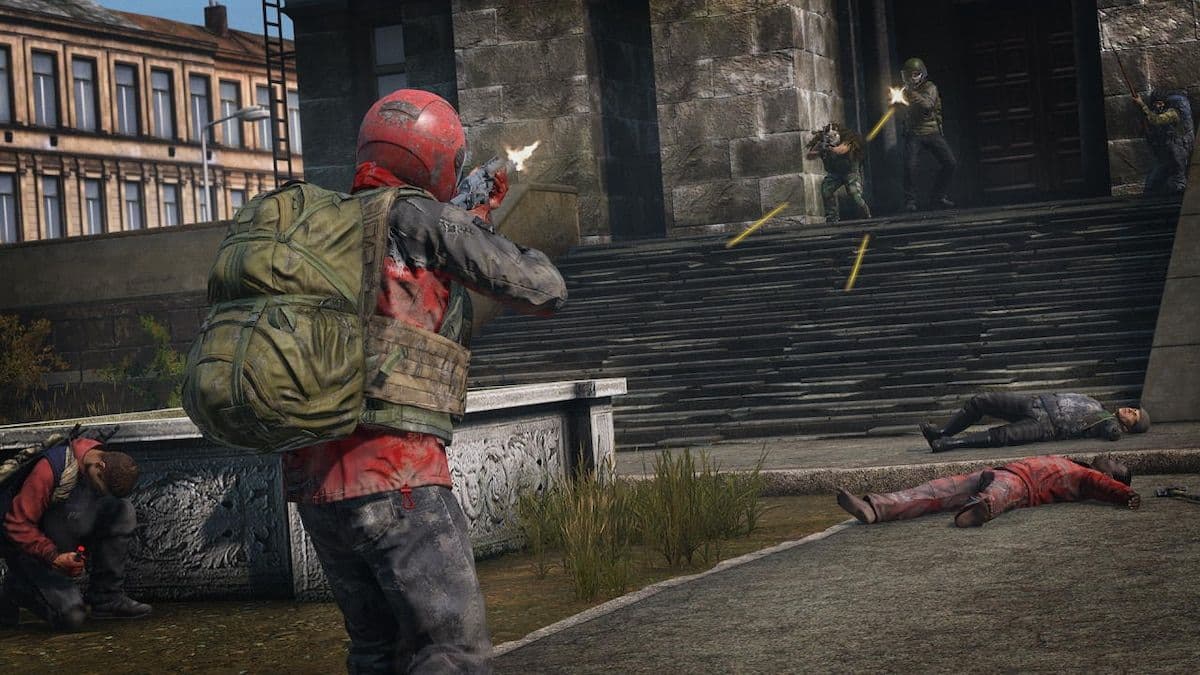
A deathmatch server removes the loot journey and puts the fight first.
The CrimsonZamboniDeathmatch Workshop project is a server-side mod with support for maps including Chernarus, Livonia, Namalsk, Deer Isle, and others. That map list is the important detail: “Deathmatch” is not one arena. The same combat rules can be placed in familiar DayZ terrain, a custom map, or a compact space designed for repeated engagements.
The rule page matters more than the label. Spawn protection, loadouts, respawn timing, perspective, map boundaries, and team rules determine what the server actually teaches. A small arena rewards close-quarters reactions; a large-map deathmatch rewards patience, sound, and the ability to hold an angle without the usual loot journey. Pick the version that trains the skill you want instead of assuming every Deathmatch server plays the same.
King of the Hill turns terrain into a scoreboard
Objective modes keep the shooting but give it a reason beyond the kill feed. A King-of-the-Hill project on the Steam Workshop describes two factions fighting over rotating zones across Chernarus. The King of the Hill format scores teams by capturing and holding the hill, with a priority area inside the main zone worth more.
Its design also replaces ordinary scavenging with a controlled match economy: weapons, clothing, and vehicles come through shops and progression systems instead of ground loot. That is the decisive shift. In a normal run, the map is a route between resources. In an objective mode, the map is the resource because it creates the score and forces contact.
That Workshop page is currently marked removed and incompatible, so treat it as a design example, not a live-server recommendation. When you inspect an active objective server, look for the same proof that the mode is real: named objectives, round structure, team assignment, score conditions, and a clear reset rule. If the server cannot explain how a round is won, “objective” may just be a PvP survival label.
Horde servers make infected a route-planning problem
Not every community mode needs a scoreboard. VanillaPlusPlus’s Infected Hordes Plus is a server-side DayZ Standalone script that spawns random infected hordes at configured locations until a maximum number of active hordes is reached. Its README says the hordes can roam or despawn after a configured lifetime, with the behavior controlled through JSON.
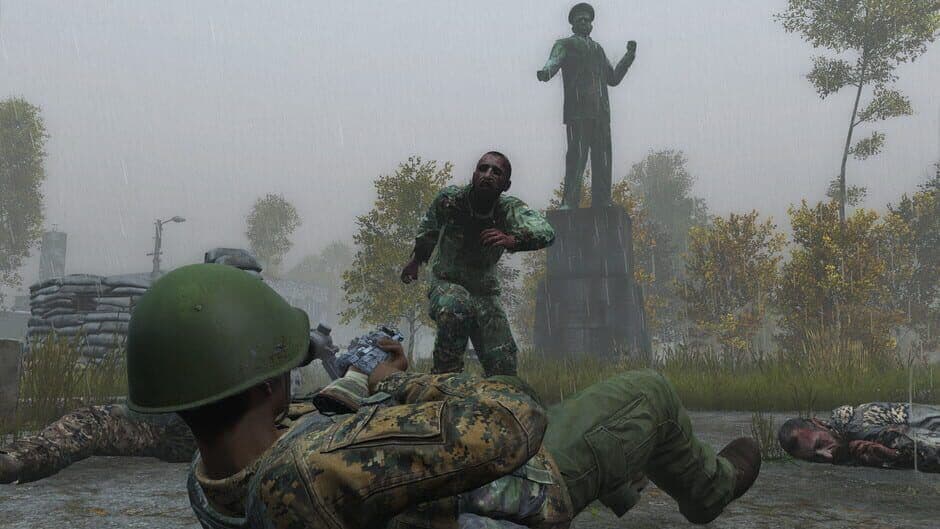
Horde servers make the infected a route-planning problem.
That turns the infected from background noise into route planning. A town is dangerous not only because another survivor may be watching it; the server can make the approach itself the encounter. You must choose between a noisy fight, a longer detour, or a risky dash through the horde before another player arrives.
Horde setups are usually a layer on top of survival rather than a separate round-based mode. For horde servers, check whether the community pairs them with PvE protection, boosted loot, PvP zones, quests, or custom maps. The zombie count alone does not tell you whether the server is a hard survival experience or a spectacle built around clearing waves.
Check these four server details before joining
Use the server’s documentation as the final mode selector. Before you join, verify:
- Implementation: Is the mode a PC Workshop mod, a server-side script, or a console event enforced by rules?
- Persistence: Does your character survive between sessions, or does every round and wipe reset the run?
- Combat structure: Are there loadouts, respawns, teams, objectives, PvP zones, or ordinary loot?
- Map and perspective: Which map is active, and is the server first-person, third-person, or mixed?
If a listing leaves any of those answers vague, treat the missing information as a warning rather than filling it in from the server title.