
Rust electricity becomes manageable when you treat every device as a load with a job. A fuse restores a monument circuit; a battery buffers a base; a branch reserves power; a switch decides when a load runs. Wire those roles separately and you can expand from two lights to a raid alarm without guessing which connection killed the base.
The component figures in the worked example below use current official Rust Wiki data. Community servers and plugins can change the result, so read the passthrough value on the device you are wiring before you commit the circuit.
Count the loads before you choose a source
Choose the source after you know the load. The following small-base example totals 16 rW before any extra lights, furnace, or second turret:
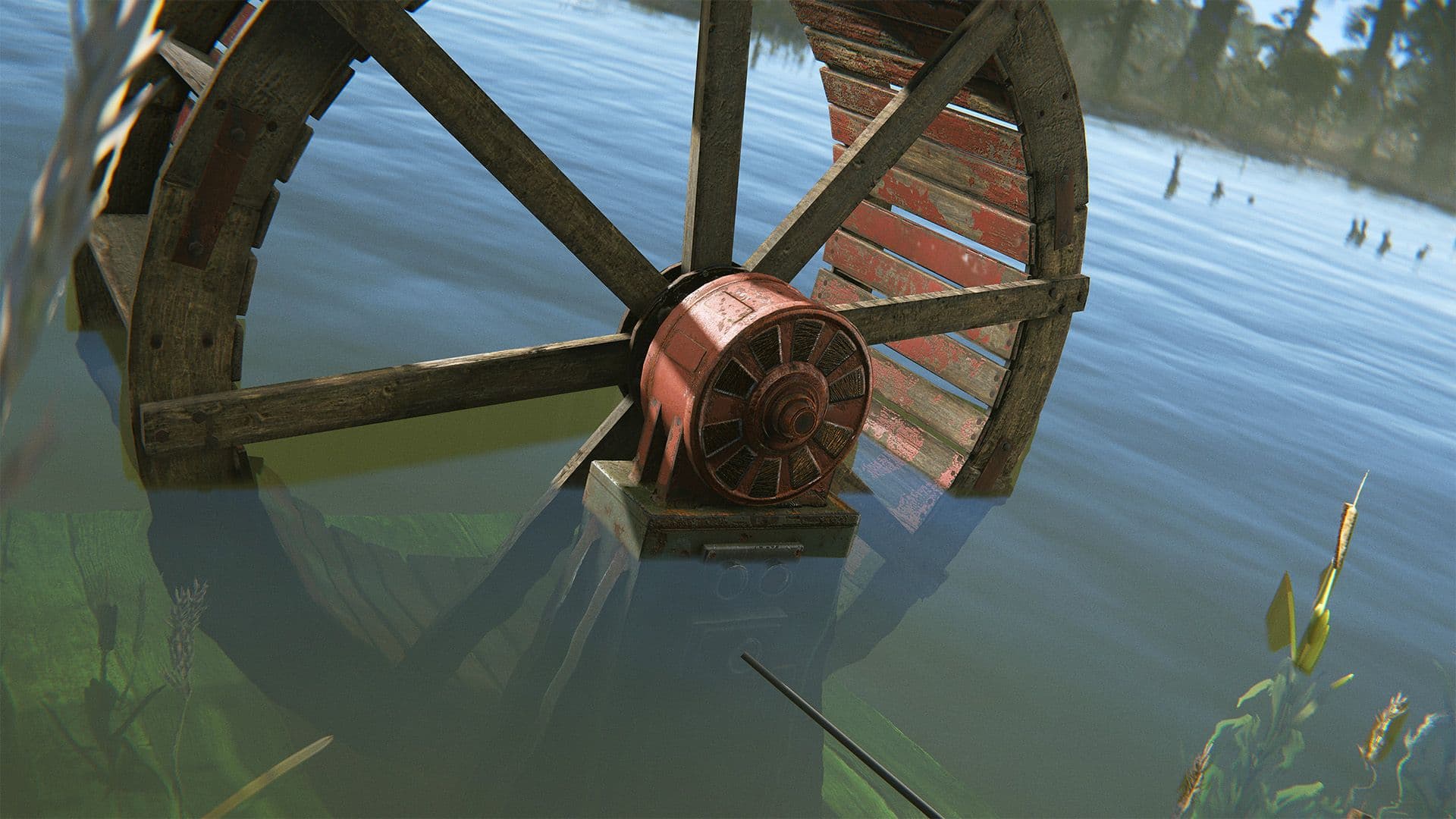
Water Wheels generate passively in rivers, according to Facepunch.
| Load or source | Official figure | What it means for the circuit |
|---|---|---|
| Large Solar Panel | Up to 20 rW, depending on sunlight and panel angle | It can cover the example at peak output, but its production changes with conditions. |
| Large Rechargeable Battery | 100 rW output and 24,000 rWm capacity | It can buffer the base and provide more output than this starter circuit needs. |
| Two Ceiling Lights | 2 rW each | Lighting branch: 4 rW. |
| Auto Turret | 10 rW | Defense branch: 10 rW. |
| Seismic Sensor | 1 rW | Alarm branch input: 1 rW. |
| Smart Alarm | 1 rW | Alarm branch output: 1 rW. |
That gives you a worked branch plan: reserve 4 rW for lights, 10 rW for the turret, and 2 rW for the sensor plus Smart Alarm. The total is 16 rW. If you add another turret, add its 10 rW before you resize a branch or replace the source.
Water Wheels are another current source: Facepunch says they generate passively in rivers, while ocean placement is less consistent as tides change and blocked water flow reduces the result. Use one when the river location is defensible, not because its name sounds like a guaranteed battery.
An Electric Fuse belongs to a different job. It is an uncraftable item that lets current pass through a monument fuse box for a limited period. It is the item you carry for a power puzzle, not a permanent component in the battery circuit inside your base.
Let Branch Out reserve power while Power Out carries the line
An Electrical Branch takes power from Power In, sends the configured amount through Branch Out, and continues the remaining line through Power Out. The two outputs are not interchangeable: Branch Out is the reserved load; Power Out is the continuation.
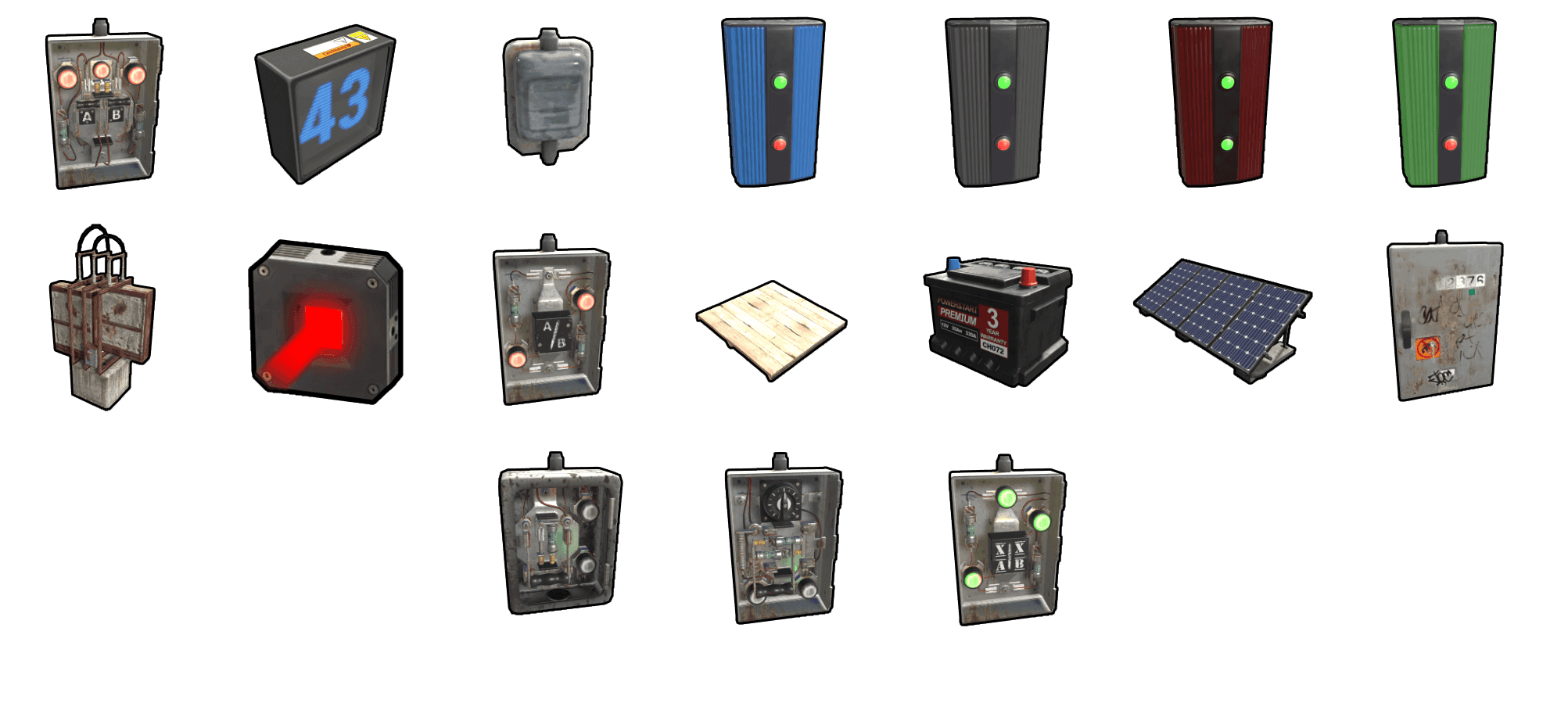
The original Rust electricity component set shows the building blocks used in a base circuit.
Use a Switch after a branch when you want manual control. Use a Smart Switch when you also want remote control. Use a Splitter only when evenly distributing comparable loads is more useful than reserving a specific amount. Facepunch’s 2024 electricity update removed power consumption and Active Usage from logic components such as Switches and Electrical Branches; the loads connected after them still consume power.
Wire the starter circuit like this:
- Battery Power Output → Branch A Power In
- Branch A Branch Out, set to 4 rW → Switch A Power In
- Switch A Power Out → both Ceiling Lights
- Branch A Power Out → Branch B Power In
- Branch B Branch Out, set to 10 rW → Smart Switch B Power In
- Smart Switch B Power Out → Auto Turret Power In
- Branch B Power Out → Branch C Power In
- Branch C Branch Out, set to 2 rW → Seismic Sensor Power In
- Seismic Sensor Power Out → Smart Alarm Power In
If you do not use a Smart Switch, put an ordinary Switch in the turret line. The important part is the topology: lights, defense, and alarm each get a named branch, while every remaining line is visible at the next Power Out.
Build the 16-rW starter circuit and diagnose it by symptom
Place the components where you can read them, then connect one segment at a time.
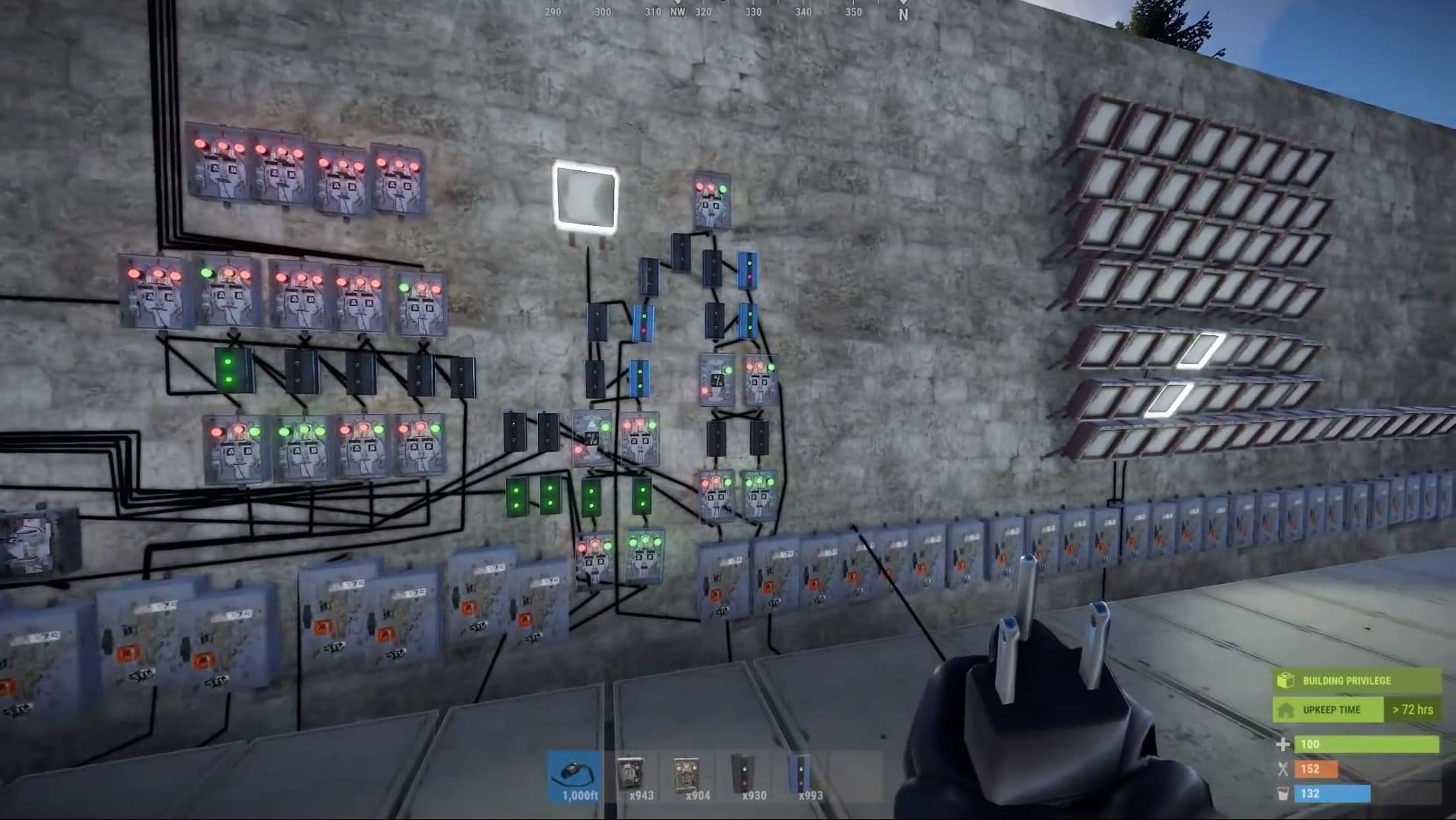
Keep the first circuit visible while you test each connection.
- Connect your source to the battery’s Power In, then the battery’s Power Output to Branch A.
- Set Branch A to 4 rW and connect Branch Out through Switch A to the two ceiling lights.
- Connect Branch A’s Power Out to Branch B. Set Branch B to 10 rW and connect its Branch Out through Switch B to the turret.
- Connect Branch B’s Power Out to Branch C. Set Branch C to 2 rW and connect the Seismic Sensor, then its Power Out to the Smart Alarm.
- Toggle each control while watching the passthrough value. Add another load only after the segment before it remains powered.
| Symptom | Check first | Fix |
|---|---|---|
| Nothing after the battery powers on | Battery output and the first Branch Power In | Restore the source, charge the battery, or repair the first wire. |
| Lights work but the turret is off | Branch B setting and the turret’s 10-rW requirement | Set Branch B to 10 rW and confirm the turret is connected to Power Out on the Smart Switch. |
| The alarm never notifies | The Seismic Sensor’s Power In, then its Power Out to the Smart Alarm | Confirm the sensor has its 1 rW load and that the alarm is receiving the sensor’s event signal. |
| Adding a device kills an older branch | Total active load and the upstream branch setting | Remove the new load, increase available supply, or give the new load its own branch. |
| A monument door will not open | Fuse-box passthrough and the Electric Fuse | Replace the expired fuse and finish the puzzle during its powered window; do not troubleshoot it as a base battery circuit. |
Hold Shift while deploying electrical components when you want them aligned on a wall. That placement shortcut is useful for reading the port labels later, but it does not substitute for checking the actual passthrough values.
Turn the alarm into automation after the manual circuit works
The Seismic Sensor is a useful first automation because its output already represents the event you care about. Facepunch documents a configurable detection range of 1–30 meters and different output values for different explosion types: F1 Grenades and Beancans output 1 power, Explosive Ammo and Satchels output 2, while C4 and Rockets output 3. A direct wire from the sensor’s Power Out to the Smart Alarm’s Power In therefore gives you a phone notification when the sensor detects an explosion.
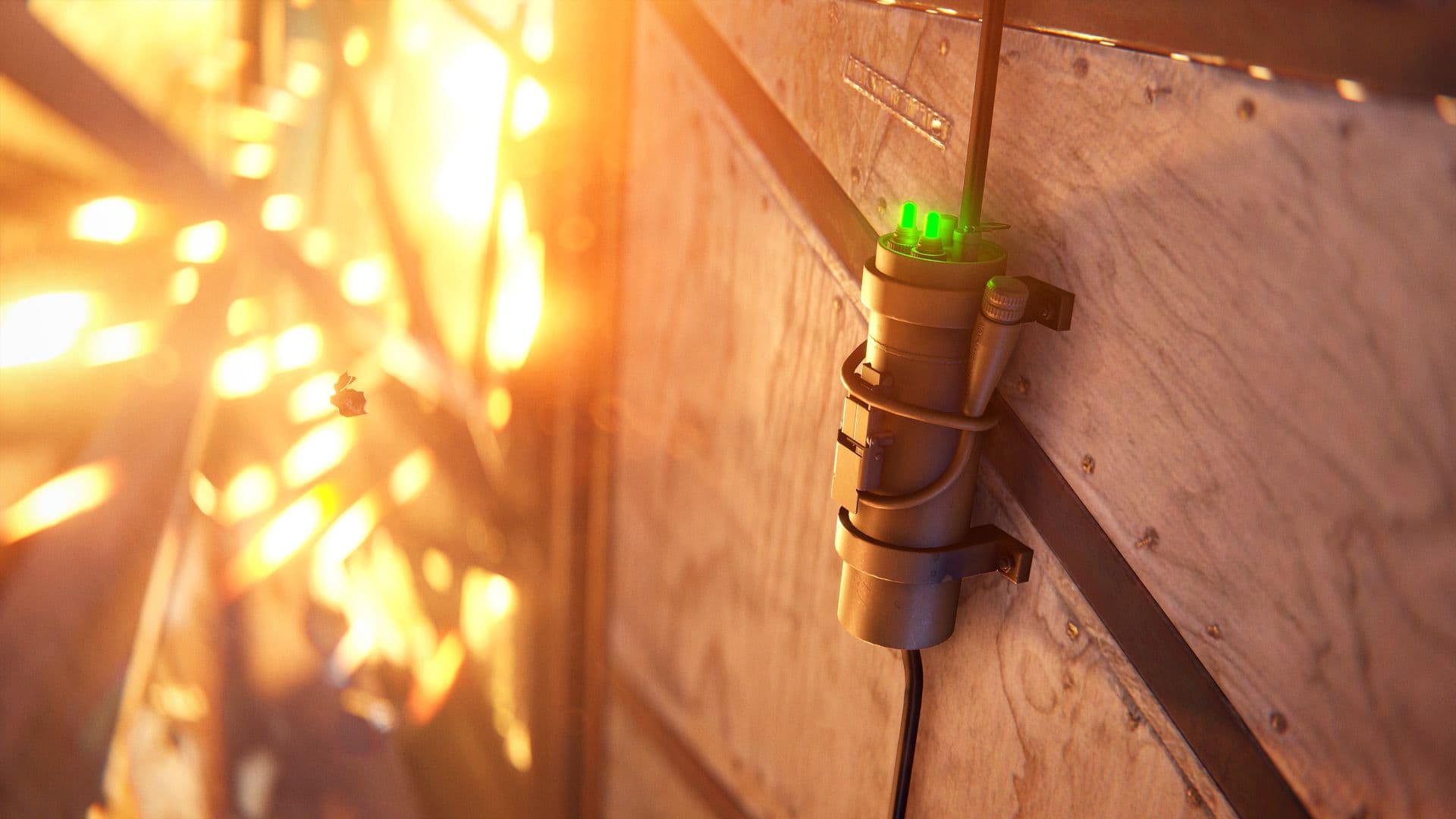
The Seismic Sensor sends a power signal when it detects an explosion.
You can extend the same signal without touching the light branch:
- Route the sensor signal to another alarm if you want a second notification point.
- Put a logic component between the sensor and a defensive device when you need a condition before the device activates.
- Replace the turret’s ordinary Switch with a Smart Switch so you can turn the defense line off remotely.
- Put an Electric Furnace on its own branch; it consumes 3 rW and uses electricity instead of fuel, so it should not share the alarm branch.
Test the automation with the exact failure you want to catch. Trigger the sensor, confirm the Smart Alarm notification, then cut the sensor’s input and confirm that the lights and turret remain independently controllable. If the alarm cannot be isolated from the rest of the base, the branches are doing the wrong job.
Rust electricity FAQ
Are Electric Fuses used in base circuits?
No. Electric Fuses restore passthrough in monument fuse boxes for a limited period. Base power uses sources, batteries, branches, switches, and loads.
Should I use an Electrical Branch or a Splitter?
Use an Electrical Branch when you need a configured amount for one load and the rest to continue on the main line. Use a Splitter when evenly distributing power is the goal.
Why does a solar circuit fail later?
A Large Solar Panel’s output depends on sunlight and its angle, so its production is not constant. Check the panel, battery charge, and upstream branch before adding another load.
Can a Seismic Sensor power a Smart Alarm?
Yes. Give the Seismic Sensor power through Power In, then connect its Power Out to the Smart Alarm’s Power In. The alarm consumes 1 rW and notifies your phone when it is powered by the sensor’s event signal.