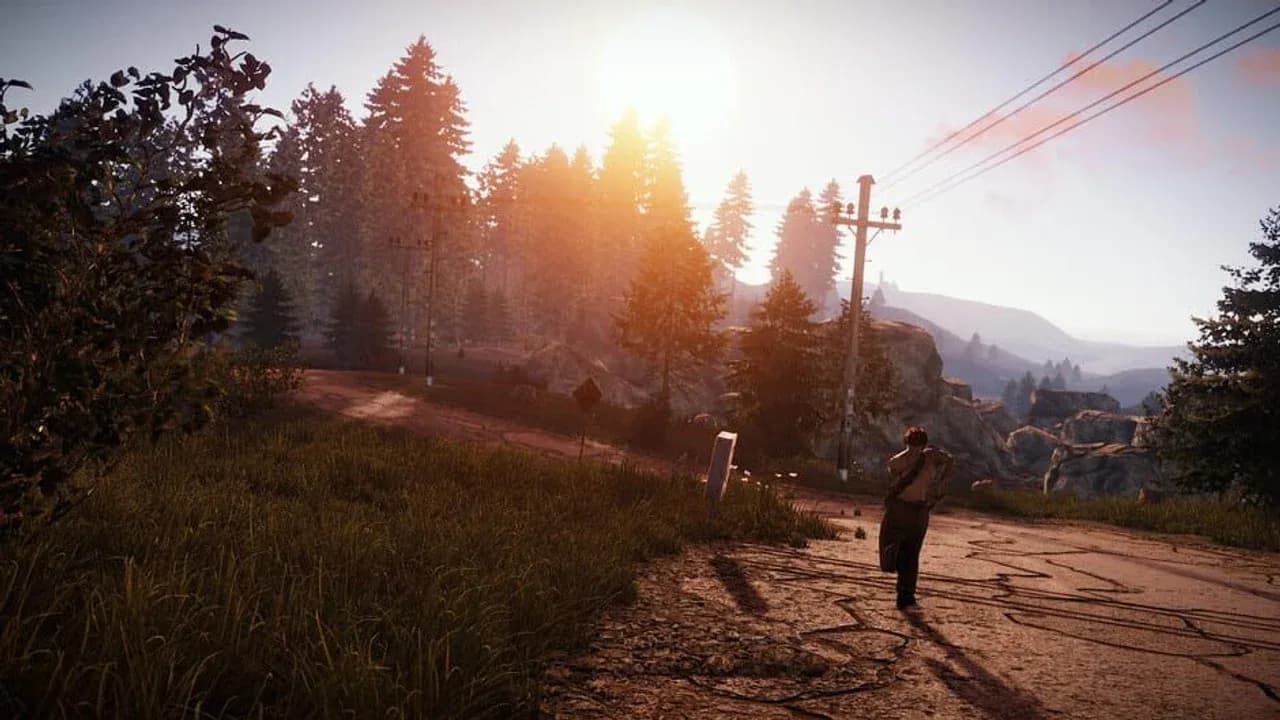
In Rust, a team invite solves one problem: knowing which players belong to your group. It does not create a private voice channel or make a neighboring group safe. Use the UI to identify your people, use proximity voice to negotiate with everyone else, and treat base access as something an alliance earns.
Create the Team Before You Need the Map
Set up the team before a monument run or a fight:
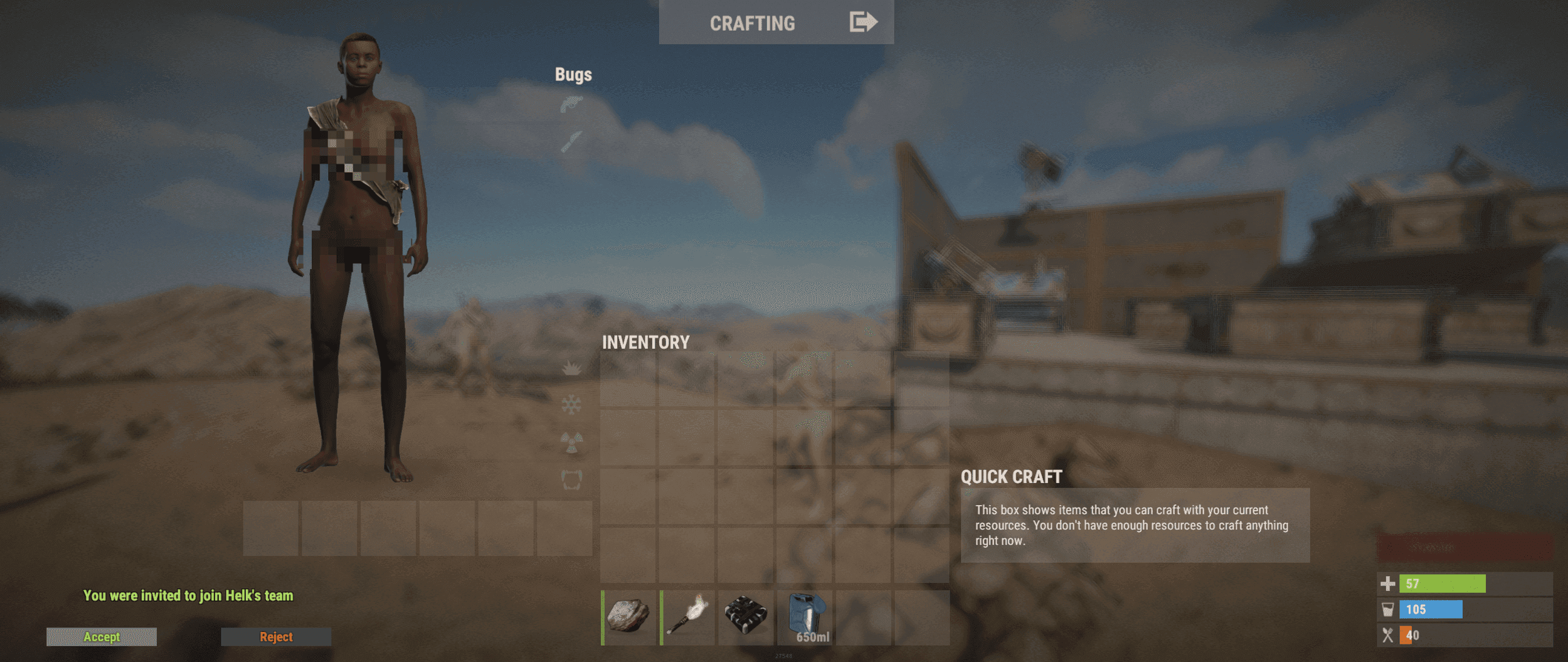
The team invitation appears from the inventory and nearby-player interaction.
- Open your inventory and select Create Team in the bottom-left. The creator becomes the team leader.
- For a nearby player, look at them until Invite to Team appears, then press your use key.
- The invited player opens their inventory and selects Join Team.
- To manage the group, use the current Invite button in the Team UI. Facepunch also supports sending an invite by right-clicking a player’s name in the chat panel, including friends who are offline or not yet on the server.
Once players join, teammates appear on the map, share map markers, and can use team text chat. Press Tab in the chat panel to switch between global and team chat. Put routes, monument callouts, and loot plans in team chat instead of broadcasting them globally. The team leader should also be the person who removes players when the group changes.
If friends are starting a fresh wipe together, use Rust’s main-menu Party system before connecting. The party leader joins the server and party members initially spawn nearby and enter the same team; later respawns are scattered normally. On servers with custom group limits, follow that server’s rules. Hardcore removes the team system.
Keep Proximity Voice for the Other Group
Hold V, or whichever key your Controls menu assigns to the voice action, to use Rust’s proximity voice chat. Anyone close enough can hear it, including players who are not on your team. Team membership does not turn proximity voice into a private channel.
That makes voice best for short negotiations with people outside your group. Say exactly what you are offering:
- “We are two at the road; we are not pushing.”
- “Take the recycler, then we both leave.”
- “Your teammate is down by the rocks; we are backing away.”
Avoid announcing your base, sleeping-bag route, or storage. Once a conversation turns into tactical coordination, move it to team chat or another private channel. Use the team map and nameplates to confirm who is yours before weapons come out; do not rely on a voice alone to identify a player.
Test an Alliance Before You Share Access
An alliance with another group is a player-made agreement, not a permission granted by the team UI. Start with a deal you can verify immediately: share a monument, avoid each other’s recycler run, trade one component, or stop shooting while both groups leave. Keep the first test away from your main base.
| Checkpoint | Confirm | Keep locked |
|---|---|---|
| Identify | Which players are present and which team each belongs to | Unknown players stay outside your team |
| Set the boundary | Where the deal applies and when it ends | Your base location and storage plan |
| Test the deal | One monument or farm route without betrayal | Main doors, core Tool Cupboard, and valuable loot |
| Close or expand | Remove team membership and access if the promise breaks; expand only after it holds | Turrets, deployables, or Tool Cupboard authorization the other group does not need |
A team invite does not authorize a player to open every lock, use your Tool Cupboard, control a turret, or enter a compound. Give an ally only the access required for the agreed task, then remove it when the task ends. For a first meeting, a trade or shared route is safer than a shared base.
A Clan Name Still Does Not Open Your Base
Use the clan system when your own community needs more structure than a single team. The current system supports larger groups, roles and permissions, a separate clan chat, and clan announcements or message-of-the-day text. Clan members can see one another’s locations when nearby, and clans are managed at Clan Tables.
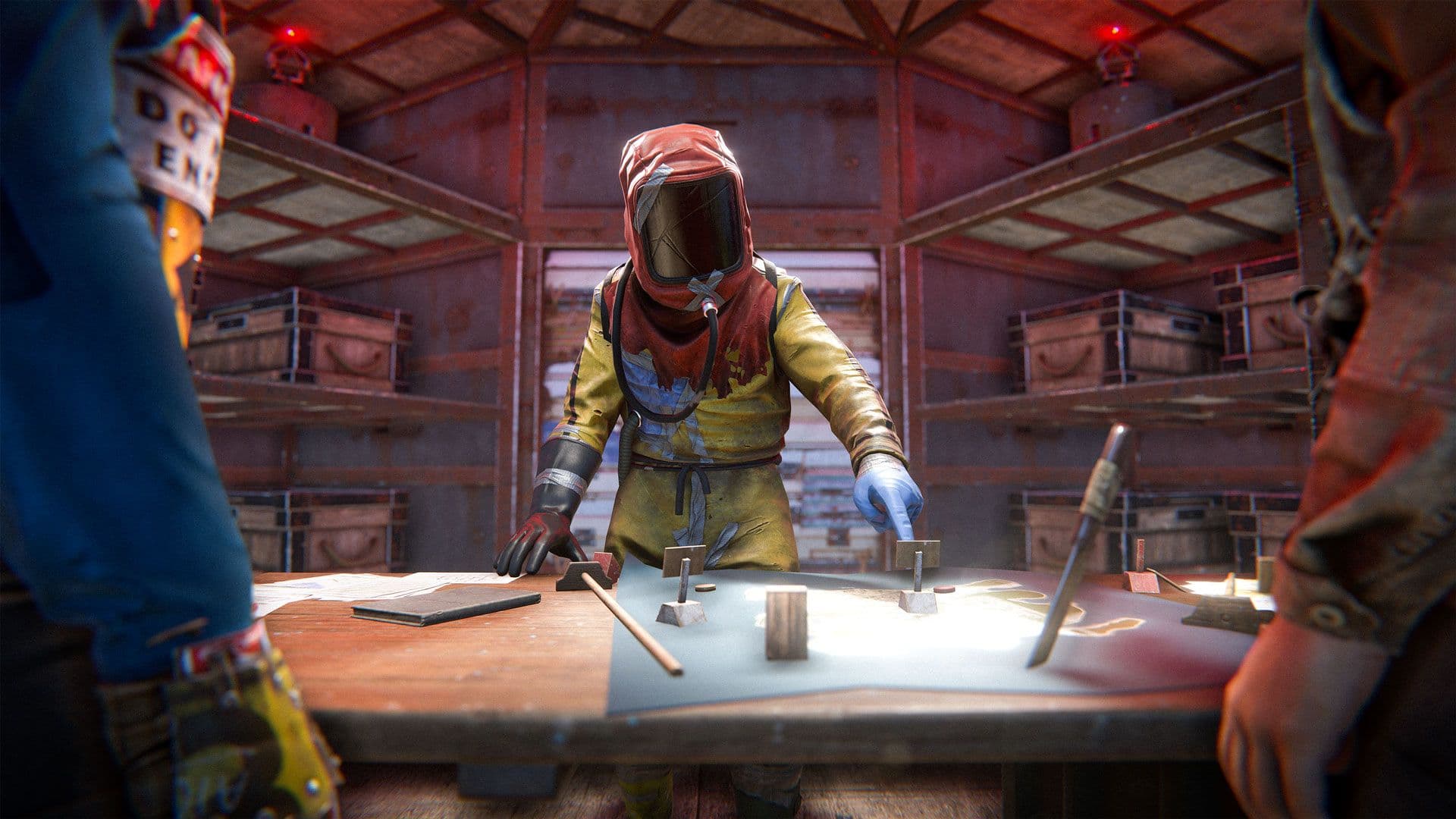
Clan Tables organize larger groups without granting automatic base access.
Those tools organize a persistent community; they do not turn a neighboring group into a trusted co-owner. Keep your base boundary separate from the clan label. If you play Hardcore, plan around the mode’s restrictions: the clan system is disabled there along with the team system.
Keep the first alliance run outside your compound. If the other group honors the deal, give them a narrower place to enter—not the core that protects everything you cannot afford to lose.