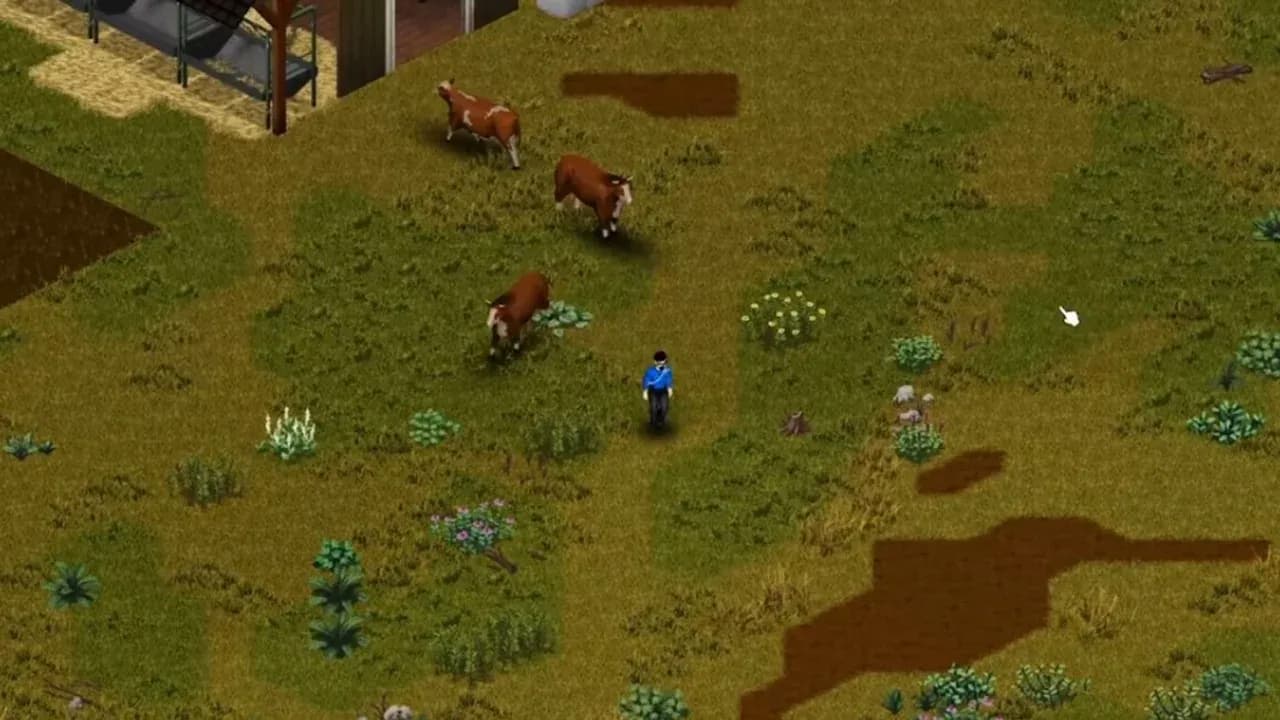
The reliable way to farm animals in Build 42 is to establish the pen, feed, and water routine before you start breeding. Chickens, cows, and goats can supply renewable food and materials, but only when the zone is sized, stocked, and calm enough for animals to keep producing while you are away.
Find animals and set up a livestock zone
Look for animals at barns, farms, and other agricultural areas, then move them to a zone you can defend and supply. Chickens are small enough to carry. Lead larger livestock with a rope, or use an animal trailer when you need to move several animals or cross a dangerous stretch of road.
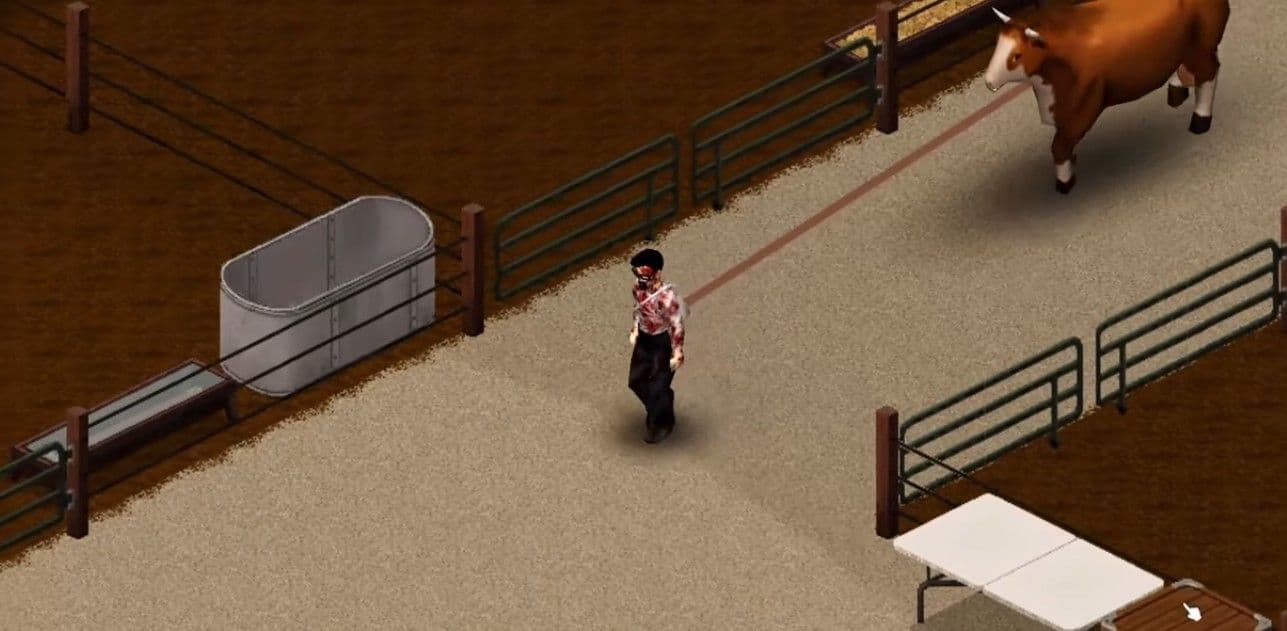
Prepare the zone, troughs, shelter, and perimeter before moving animals.
Create the zone from the sheep-shaped Designated Zones button and drag across the tiles you want to manage. Lead the animals inside, then give the zone enough room for the herd you intend to keep. The zone is what lets animals feed, mate, and grow while they are off-screen; a fence alone does not provide that management.
Prepare the support pieces before bringing animals home:
- A food trough and a separate water trough.
- A chicken hutch for chickens.
- A fenced or walled perimeter to keep zombies away.
- Open ground and a roofed section where animals can shelter from rain.
Outdoor space is useful because animals can graze and rain can refill water troughs. A barn can be a starting point, but moving the herd outside gives you more control over space and supplies.
Feed, water, and clean the pen
Make animal care part of your first daily route. Check the livestock zone before leaving for a loot run:
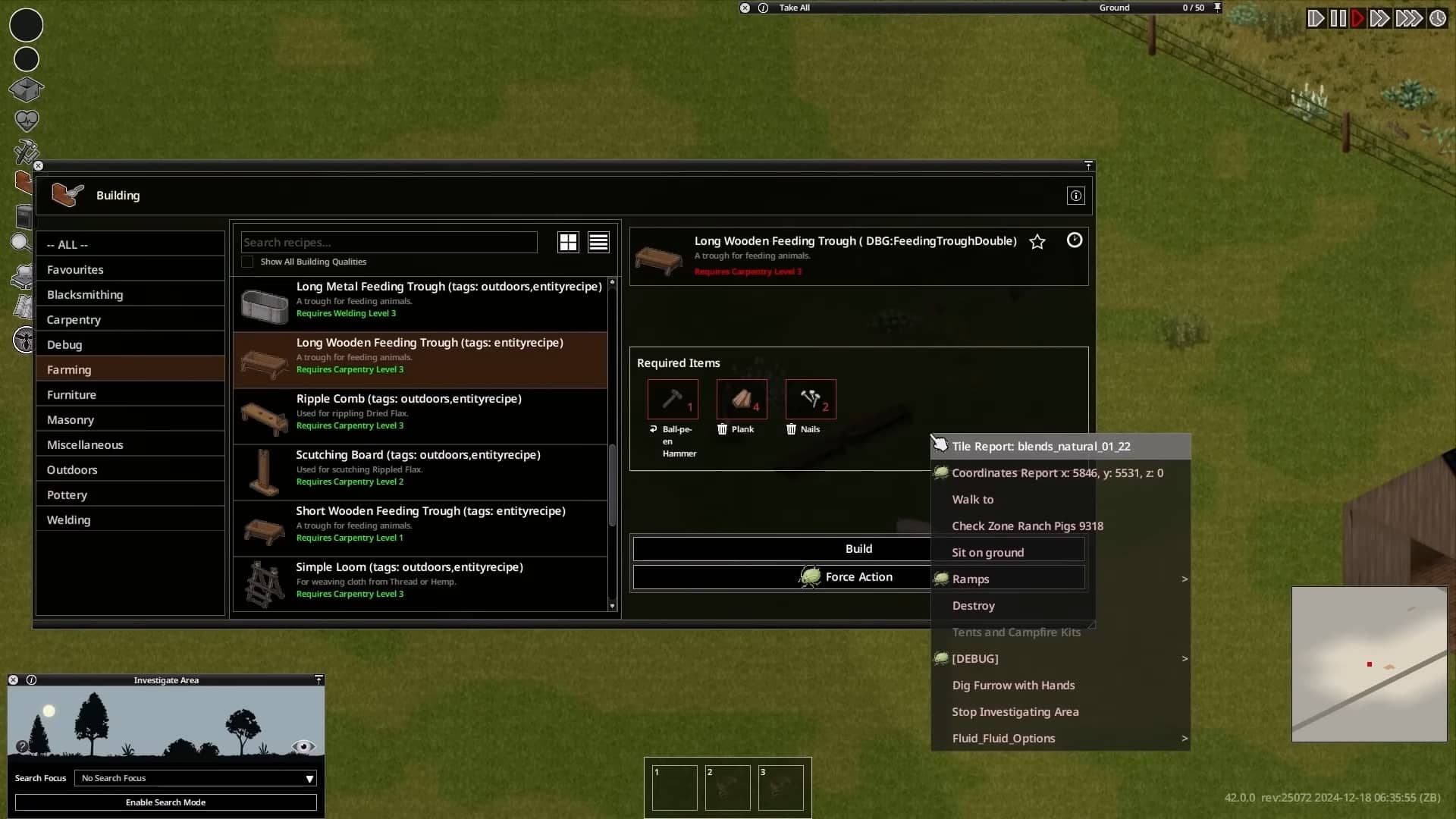
Food and water troughs are the foundation of daily animal care.
- Fill the water trough. Animals drink from troughs, not ponds or puddles.
- Refill the food trough with grass cuttings, hay, vegetables, fruit, or animal feed.
- Inspect an animal that looks stressed or has left the useful part of the zone.
- Collect eggs, milk, or other ready products.
- Pet the animals when you can; daily petting improves Player Acceptance and builds Animal Care experience.
Space and shelter affect the quality of the setup. An undersized enclosure makes growth and production harder, while a roofed tile gives animals a place to shelter during rain. If the zone is crowded, expand it or stop breeding before adding more animals.
Use Animal Info to troubleshoot instead of guessing. Check Attitude and Player Acceptance first. If an animal is unhappy, confirm that both troughs are supplied, reduce crowding, and keep gunfire and zombie fights away from the pen. Low acceptance and stress can lead to lower production, escapes, or aggression.
Chickens have one extra maintenance job: inspect the hutch and clean it when its dirtiness rises. For cows and goats, a bad Attitude is the signal to fix the pen’s conditions before you try to increase the herd.
Breed chickens, cows, and goats
Keep males and females of the same species in one livestock zone so the animals can mate and raise offspring. Breeding is useful only when the next generation has food, water, room, and a player who can collect its products. If the troughs are already difficult to keep full, do not add more breeders.
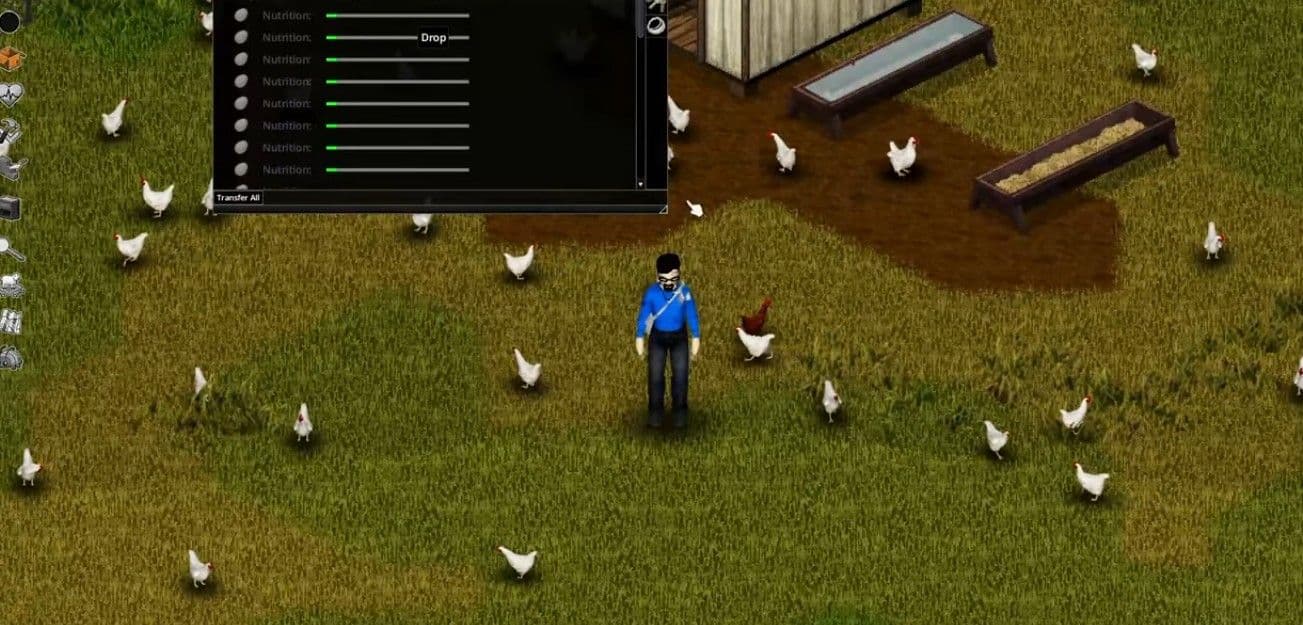
A rooster and hens can turn a small flock into a renewable egg supply.
Chickens are the easiest starting flock. A rooster allows eggs to become fertilized, and fertilized eggs can hatch. Use the hutch information panel to check the flock and keep it clean. Chickens are efficient for eggs, but an oversized flock becomes a management problem, especially when it shares a multiplayer base.
Cows are the heavier dairy investment. Female cows become milk-ready after producing a baby, so a sustainable herd needs bulls as well as cows. Check Animal Info for the Udder status; when the animal is ready, use Milk Animal with an empty container in your inventory. A Butter Churn turns milk into butter, and cows also provide large leather hides when butchered.
Goats follow the same production check. Inspect the Udder line in Animal Info and milk the animal when the game marks it ready. Keep the breeding pair calm, fed, watered, and inside the same livestock zone. Goats are another dairy option, not a way to skip the requirements that keep livestock healthy.
Livestock Farmer is an optional character-creation advantage for this plan. It improves Agriculture, Animal Care, and Butchering and starts with barbed-wire knowledge, but any occupation can raise animals if the player maintains the zone.
Collect products and butcher surplus
Collect products before expanding the herd. Gather chicken eggs, milk cows and goats when their Udder status is ready, and process excess milk into butter when you have a Butter Churn. Plan storage for the output before you breed more animals; a full pantry is a reason to slow reproduction, not a reason to build a larger pen.
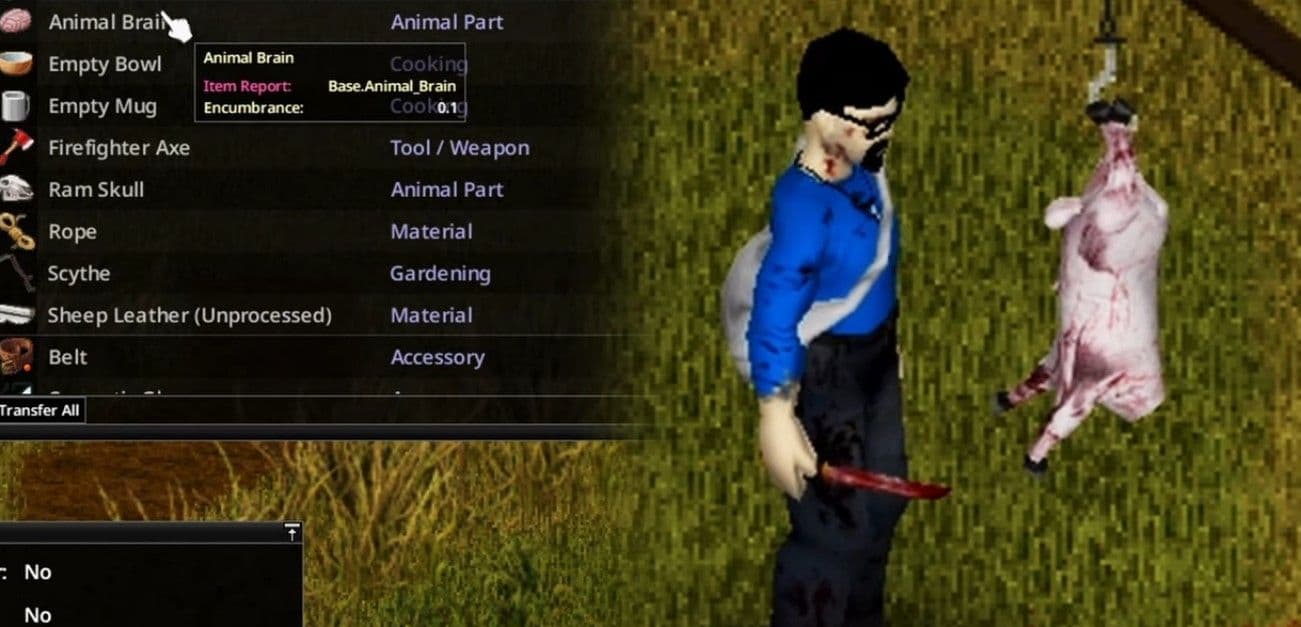
Collect products, then butcher surplus livestock for food and materials.
Butchering is the way to turn surplus livestock into food and materials:
- Kill the selected animal and leave it on the ground.
- Use the Butcher action with a knife.
- Cook the meat and separate the animal parts from the food stock.
- Route leather through the softening, tanning, and drying buildings that match the hide’s size.
A Butcher Hook is optional, but it makes processing faster and improves the yield. Cows provide large hides, which need the large-animal leather workflow. Keep the butchering area away from living animals so the noise and activity do not add stress to the herd.
Use these checks to decide whether to expand or cull:
- If the food trough empties between visits, fix feed supply before breeding.
- If Attitude or Player Acceptance drops, correct water, space, shelter, and nearby noise before adding stock.
- If storage or processing is full, stop collecting animals and work through the existing output.
- If nobody will visit during a long expedition, reduce the herd before you leave.
Configure animal settings on a server
AnnounceAnimalDeath controls whether an animal death is announced in global chat. Turn it on when a shared server needs a visible warning that a pen has lost an animal; it reports the loss but does not prevent it.
The game modes also change the time pressure around animals. Apocalypse uses growth cycles and farming timelines aimed at its canonical 1993 survival pace. Outbreak is designed for players with less time, so its animal and farming timelines are more forgiving. Rising is the homestead-focused mode for groups that want more building resources and less emphasis on combat. Use Custom Sandbox when you want to tune the animal schedule to the number of players who can actually visit the zone.
Before you expand a multiplayer farm, agree on who fills troughs, who collects products, and who culls surplus. Set those responsibilities first; then the server setting can announce a loss instead of becoming the only way anyone notices that care was missed.