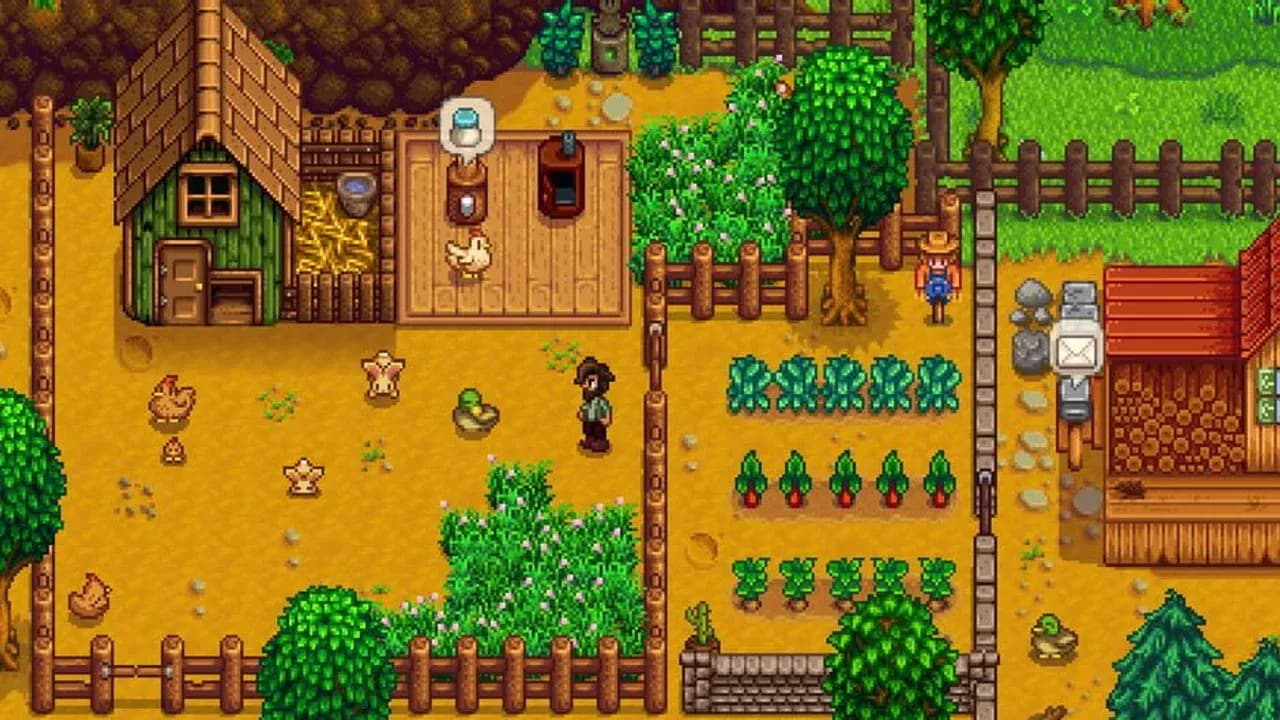
How to Start a Multiplayer Farm in Stardew Valley
Ready to farm with friends in Stardew Valley? This is your first step—setting up a shared world where you can build, explore, and thrive together. Let’s get that multiplayer farm started, whether you’re creating a brand-new homestead or opening up your existing single-player paradise to guests.
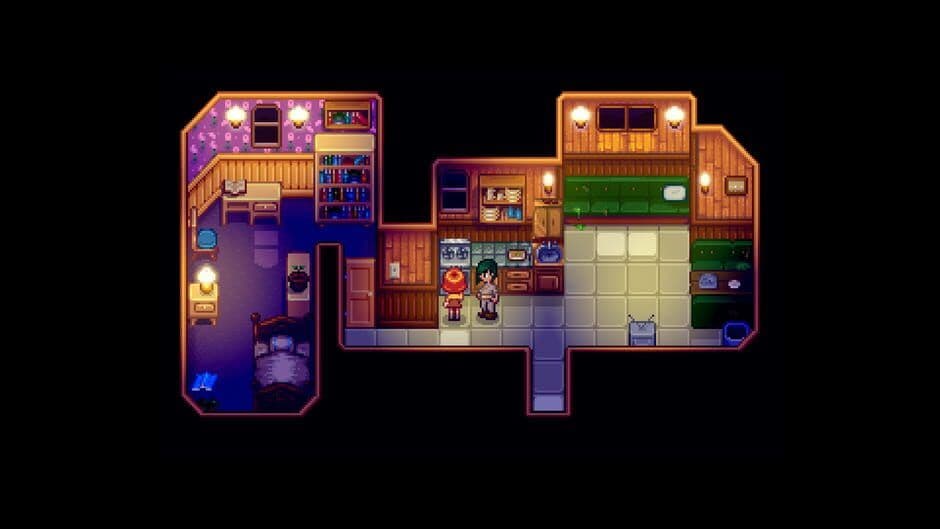
Manage your farm layout with up to seven other players.
The process is built around a simple host-and-join system. One player acts as the host, owning the save file. Farmhands (your friends) can only play when the host is online and has the farm open. This ensures everyone progresses in the same world.
To begin, head to the Title Screen. From here, select Co-op, then choose Host. You’ll be presented with the option to Host New Farm. This is your gateway to creating a fresh world designed for collaboration.
When creating a new farm, you can select 0-3 pre-built cabins right at the start. Choosing cabins here saves you the time and materials of building them later, so consider how many friends you’re planning for!
If you already have a beloved single-player farm you want to share, converting it is easy. You don’t need to start over. Simply visit Robin’s Carpenter Shop in the mountains. For 100g, 100 Wood, and 5 Stone, Robin will instantly build a Farmhand Cabin. You’ll need one cabin for each additional player you want to invite. Once the cabins are built, save your game, exit to the Title Screen, and load that save file by selecting Co-op instead of Load.
With cabins ready—either pre-built at creation or constructed by Robin—your farm is open for business. Your friends can now join your world from the Title Screen by selecting Co-op > Join and finding your session through their platform’s friends list or by using an invite code.
That’s all it takes. Your shared adventure in Stardew Valley begins now, with a farm ready for teamwork and fun.
Best Platform Settings for Stardew Valley Co-op
Alright, the farm is set up and your friends are ready to join. Now comes the crucial part: making sure everyone can actually connect. In Stardew Valley, getting your co-op session running smoothly depends entirely on your platform, and each one has its own unique setup quirks.
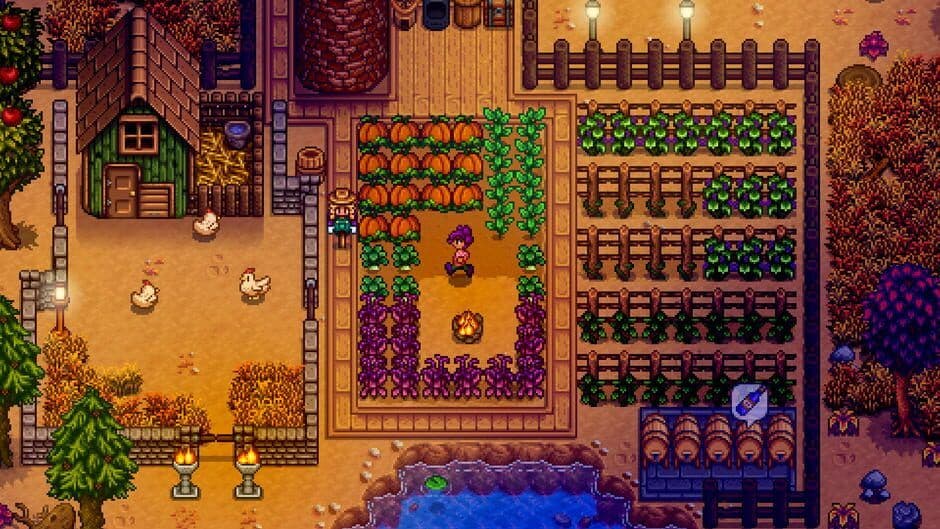
Stardew Valley gameplay interface.
Here’s a breakdown of the technical requirements and connection methods for PC, console, and mobile, so you can get straight to farming together without the headache.
PC Connection Methods
On PC, you have the most flexibility. If you and your friends are all on Steam, the process is seamless: hosted farms from your Steam friends list will appear directly on the Join screen. For players using GOG Galaxy or Steam, you can also generate an invite code from the in-game Options menu—just share that 6-character string with your pals.
For a direct connection, you can also use an IP address, but this often requires fiddling with your firewall (the default UDP port is 24642) or using a virtual LAN service like Hamachi.
Console Requirements & Split-Screen
Console play comes with a few more hoops to jump through, but it’s worth it. For online multiplayer, you’ll need the respective platform subscription: Nintendo Switch Online, PlayStation Plus, or Xbox Game Pass Core.
If you’re all in the same room, local split-screen is a fantastic (and free) alternative. To start it, load your farm, ensure a cabin is built for each extra player, and connect their controllers. Then, go to the Options menu, navigate to the Multiplayer section, and select ‘Start Local Co-op’. Each additional player just needs to press [Start] on their controller to jump in. A key restriction to note: on the standard Nintendo Switch, split-screen is limited to two players, while the PS4, PS5, and Xbox versions support up to four.
Mobile & Cross-Platform Reality
Mobile co-op on iOS and Android is considered an experimental feature. It uses the same invite code system as PC (GOG/Steam) for friends to join. All players must be on the same local WiFi network or have a stable internet connection.
Now, for the most important rule of Stardew Valley multiplayer: cross-platform play is not supported. You cannot mix and match platforms. The single exception is between different PC versions (Windows, macOS, and Linux), which can play together seamlessly. So, if your friend is on Switch and you’re on PlayStation, you’ll need to plan a visit or start a new farm on the same system.
With these settings sorted, your technical hurdles are cleared. Let’s figure out how you’ll share—or split—your hard-earned gold and progress next.
Shared vs. Individual Progress in Stardew Valley
Navigating a shared farm in Stardew Valley with friends is a blast, but it can get confusing fast. What's truly communal, and what stays personal? Getting this distinction right is the key to a smooth, frustration-free co-op experience. Let's break down exactly what you share and what you keep for yourself.
Crops and farm maintenance are typically shared responsibilities.
The Communal Farm Life
When you're all working one piece of land, several major aspects of the game become shared property and progress.
First and foremost, the farm itself is a communal space. The land, crops, buildings, and machines like Kegs or Mayonnaise Machines belong to everyone. Any player can harvest, plant, or use these shared resources. This also extends to major game milestones. Progress in the Mines (like unlocking elevator floors) is global, as is completing the Museum collection or repairing the beach bridge. When one player finishes a Community Center bundle or a Joja Development Form, the reward (like unlocking a new area) is unlocked for everyone, though the specific item reward goes only to the player who turned it in.
A critical shared decision is when to call it a day. Stardew Valley operates on a Synchronized Sleep system. The in-game day only ends and saves when every player is in bed. This means you'll need to coordinate with your crew about when to wrap up—no one can keep farming while others sleep.
Use the in-game chat or a quick voice call to decide on a bedtime. It prevents one player from feeling rushed and keeps your farm's daily rhythm smooth.
Your Personal Journey
While the farm is shared, your character's identity and growth are your own. Each player maintains their own Skills (Farming, Mining, etc.), Energy bar, and personal Inventory. Your relationships with the villagers in Pelican Town are also unique to you; you can each befriend and even marry the same NPC independently.
This individuality extends to your finances, but here you have a choice. At the Mayor's Manor, you can access the Town Ledger to toggle between Shared Money and Separate Wallets. Shared Money creates one collective gold pool for the whole group, perfect for funding big farm projects together. Separate Wallets lets each player manage their own earnings, which adds a layer of strategy and coordination for purchases.
Putting It All Together
Think of it this way: you're all contractors on the same job site (the farm), sharing tools and working toward the same project goals (global progress). But you each have your own specialty license (skills), your own lunchbox (inventory and energy), and you can choose to split the paycheck or pool it.
Understanding this split is what turns a chaotic group farm into a well-oiled machine. You can specialize without stepping on toes, contribute to group goals, and still pursue your own story. With these rules clear, you're ready to build that dream farm together, efficiently and harmoniously.
How to Manage Cabins and Farmhands in Stardew Valley
Alright, the cabins are built and your friends are in the game. Now, let's talk about managing your new neighbors. In Stardew Valley, farmhand cabins are more than just spawn points—they're personal homes with their own rules, upgrades, and even a special chest for managing shared resources.
Farm structures
The host holds the keys to the kingdom when it comes to cabin placement and removal. At Robin's Carpenter Shop, you can pay a fee to relocate a cabin anywhere on the farm. If a player leaves your game permanently, you can also choose to demolish their cabin here. Be careful with this, though—demolishing a cabin removes the player from the save and places all their personal items into a chest on the spot.
Speaking of items, here’s a crucial piece of multiplayer etiquette: each cabin contains a Farmhand Inventory Chest. When a farmhand is offline, the host can access this chest to retrieve or deposit items. This is perfect for sharing tools, seeds, or resources without needing everyone online at once. Trust me, using this system to coordinate who buys seeds or who upgrades the watering can will save your group countless trips and a lot of confusion.
Use the Farmhand Inventory Chest as a dedicated drop-off point. If one player is focusing on mining, they can dump all their ore there for the team's designated crafter to pick up later.
While the host handles the exterior, farmhands are in charge of their own living space. They can visit Robin's Carpenter Shop to upgrade their own cabin, adding more room and eventually unlocking a personal cellar for aging artisan goods like wine and cheese. This independence lets each player customize their space and contribute to the farm's economy in their own way.
And for those looking to take teamwork to the next level, there’s a way to make it official. If you visit the Traveling Cart, you can purchase the Wedding Ring recipe for 500g. Crafting it requires 5 Iridium Bars and 1 Prismatic Shard—a significant investment, but it allows one player to propose to another, granting a unique Stardrop reward.
With cabins managed, inventories shared, and personal spaces upgraded, your farm is now a well-oiled, cooperative machine. Everyone has their role and their home, setting the stage for truly efficient teamwork.
Best Multiplayer Strategies for Stardew Valley
So you’ve built your cabins, settled on a money system, and learned the ropes—now it’s time to truly dominate your shared farm. In Stardew Valley, four players working in perfect sync isn’t just efficient; it’s a game-changer that can turn a humble homestead into a powerhouse of productivity within a single season. Here’s how to leverage your numbers and turn teamwork into your greatest asset.

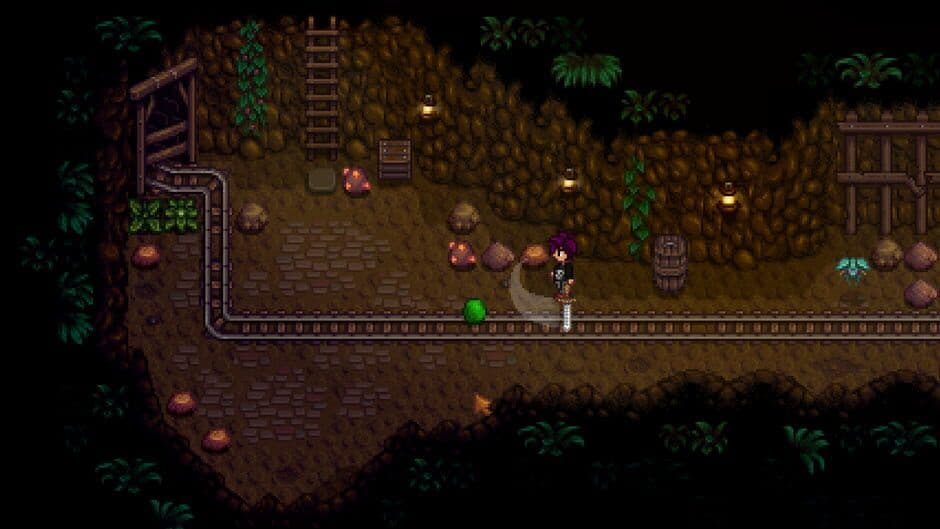
Stardew Valley offers a rich cooperative experience.
Assign Roles for Peak Efficiency
The single biggest boost to your farm’s progress comes from Task Specialization. Instead of everyone doing a bit of everything, assign dedicated roles based on what each player enjoys or what the farm needs most. Here are the classic roles that work wonders:
- Farmer: Focuses on crops, sprinklers, and artisan goods like Kegs and Preserve Jars. This player manages the planting calendar and ensures the shipping bin is always full.
- Miner/Combat Specialist: Lives in the Mines and Skull Cavern, gathering ores for tool upgrades, coal for crafting, and fighting monsters for resources. They keep the farm supplied with metal bars and geodes.
- Fisher: Provides crucial early-game gold and completes fishing-related Community Center bundles. They can also supply the team with high-energy food like Salmon Dinners.
- Forager/Bundle Specialist: Scours the map for seasonal forageables, hardwood, and special items. Their main goal is to track and complete Community Center bundles, unlocking new areas for everyone.
These roles aren’t set in stone—feel free to swap or combine them. The key is simply to avoid duplicating effort, which is the fastest way to waste precious in-game hours.
Execute Parallel Processing
With roles defined, you can now execute Parallel Processing. This is where Stardew Valley co-op truly shines. While the Farmer is watering the day’s crops, the Miner can be clearing floors in the Mines. Meanwhile, the Fisher is pulling in cash at the mountain lake, and the Forager is gathering leeks in the Cindersap Forest. You’re effectively progressing in four different areas of the game simultaneously, allowing you to unlock the Greenhouse, upgrade tools, and build expensive barns weeks earlier than in a solo game.
Share Buffs and Gear
Your collective strength lets you pool resources for daunting tasks. Before a big group trip to the Skull Cavern, have your best cook prepare Shared Buffs in bulk. Dishes like Spicy Eel (which gives Luck and Speed boosts) or Eggplant Parmesan (for Defense) can be distributed to the whole mining team, dramatically increasing your survival and loot rates.
Similarly, use Tool Trading to fast-track new farmhands. If a veteran player has an Iridium Pickaxe and a new friend joins, they can simply drop the tool on the ground or place it in a shared chest. There’s no penalty for sharing, so passing down upgraded Watering Cans, Axes, and Fishing Rods can instantly integrate a new player into your high-efficiency operation.
Communicate and Conquer
All this strategy hinges on communication. Use the in-game text chat, voice calls, or a quick morning huddle to plan the day. Decide who’s buying seeds, when you’ll all head to bed to save, and which Community Center bundles are closest to completion. A little daily coordination prevents two people watering the same patch of melons and ensures your farm’s growth is exponential, not chaotic.
By specializing your tasks, processing in parallel, and sharing your best buffs and gear, you’re not just playing together—you’re building an unstoppable agricultural engine. Now get out there and make Pelican Town proud.