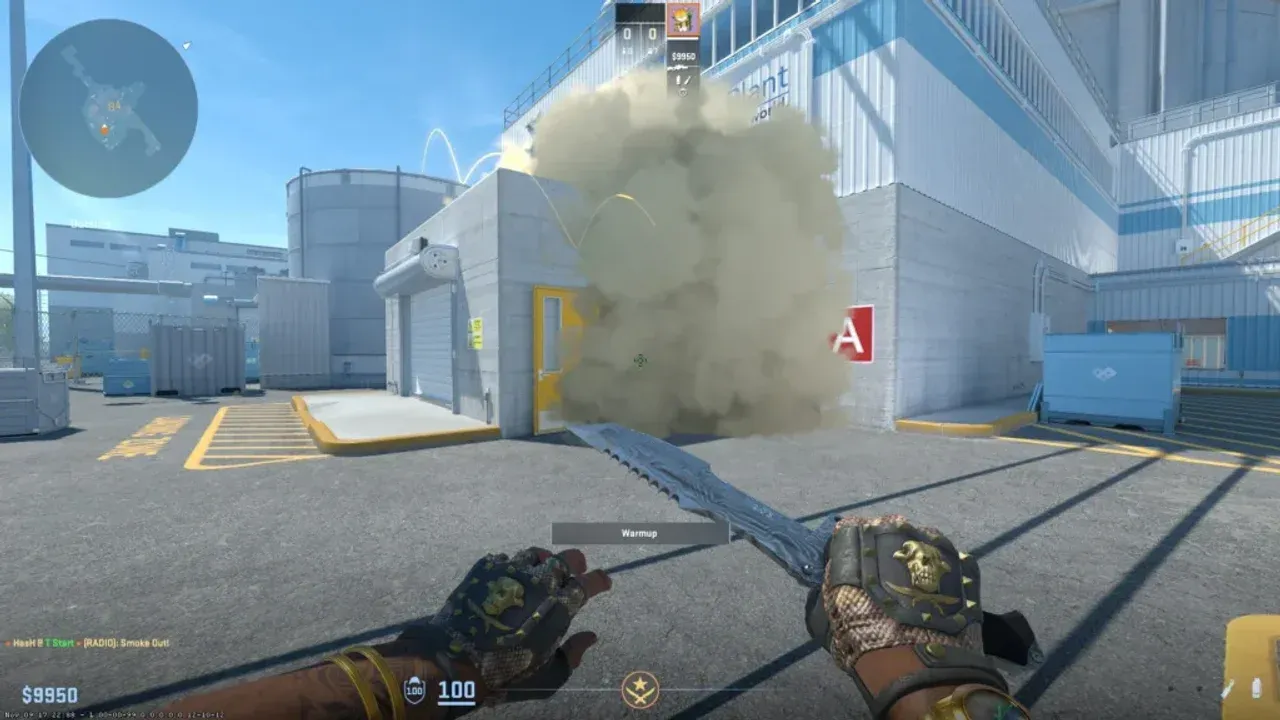
How to Master Grenade Mechanics in Counter-Strike 2
Think of your grenades in Counter-Strike 2 not just as tools, but as extensions of your strategy. They're the difference between blindly swinging into a defender's crosshair and creating a fight you're guaranteed to win. This section is your foundation—we'll break down the absolute basics of what you can carry, how to throw it, and where it all comes from, so you can start building your utility game with confidence.
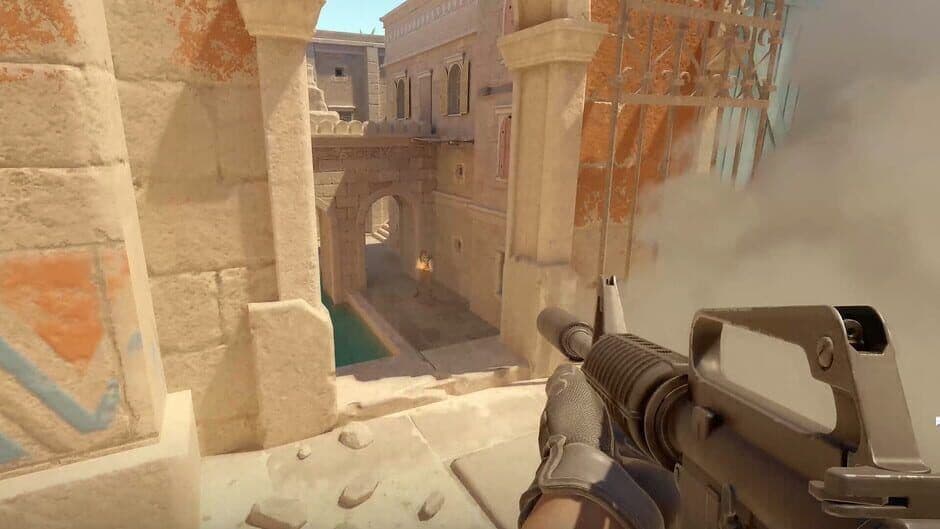
Tactical positioning in Counter-Strike 2.
Your Grenade Arsenal: Inventory and Acquisition
First, let’s talk about what you can hold. Your utility inventory in CS2 has strict but logical limits. You can carry up to four total grenades, with a maximum of two Flashbangs and one of each other type (HE, Smoke, Molotov/Incendiary, Decoy). This forces you to make smart choices during the buy phase.
You acquire grenades in two ways. The primary method is the Buy Menu at the start of each round, using your hard-earned cash. If you're on a tight budget, prioritize what your role needs most. The secondary method is picking them up from fallen players. Always check a dropped kit or a fallen enemy—grabbing a spare smoke or molly can be a game-changer for the late round.
Mastering the Three Throws
CS2 gives you precise control over how you deploy your utility with three distinct throwing methods. Knowing which one to use is half the battle.
- Standard Throw: This is your go-to for distance. Equip your grenade, hold [Left-Click], and release for a full-strength, long-distance arc. Use this for most smokes, deep flashes, or lobbing an HE grenade into a common spot.
- Underhand Throw: Need something gentle and close? Equip your grenade, hold [Right-Click], and release for a soft, short-range toss. This is perfect for dropping a smoke at your feet to cross a sniper sightline, or for a quick pop-flash right around a corner.
- Medium Throw: For those tricky middle-distance throws where you need more control than an underhand but less power than a full throw, use the hybrid. Equip your grenade, then hold [Left-Click] and [Right-Click] simultaneously, and release. It takes practice to feel the distance, but it’s essential for certain precise lineups.
Spend a round in a private server just throwing grenades. Get a feel for the arc and distance of each throw type. Trust me, this muscle memory will save your life (and your team's vision) later.
With these fundamentals locked in—knowing your inventory limits, how to buy grenades, and how to throw them—you've built the essential framework. Everything else, from blinding an entire site to faking a rush with a decoy, starts here. Let's go.
Best HE Grenade Strategies in Counter-Strike 2
Think of the HE Grenade as your $300 pocket calculator. In Counter-Strike 2, it’s not just a damage dealer—it’s a tool for punishing predictability and tipping the math of any duel in your favor.
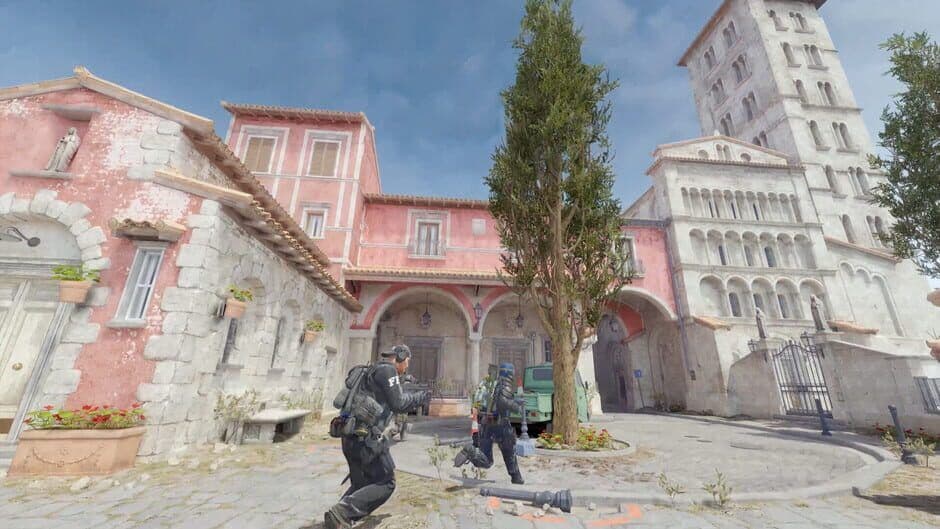
Understanding map geometry for HE grenade bounces.
Here's the raw data: an HE Grenade costs $300 from the Buy Menu and can deal up to 98 damage to unarmored opponents and up to 57 damage to armored ones. But those are perfect, point-blank numbers. The real HE Physics involve a brief fuse after the grenade comes to rest and significant damage drops off with distance. This means accuracy and timing are everything; a sloppy throw might only deal 20 damage, while a precise one can win you the round.
So, how do you move from random tosses to strategic impact? Focus on these core applications.
First, use it for Tap Punishment. This is one of the most satisfying plays in CS2. When you hear the distinct sound of an enemy tapping the bomb with [E], immediately throw your HE at the default plant spot. Even a late throw can secure the kill or force the defuser off, buying your team precious seconds.
Listen for the beep-beep of a defuse start. That’s your cue to cook and throw your HE for maximum effect.
Second, master Smoke Punching. Counter-Strike 2's volumetric smokes can be temporarily disrupted. Throw an HE into an active smoke to create a 1-2 second visibility gap. This isn't for spraying blindly—use that brief window to take a single, calculated shot at a defender you know is holding an angle behind the smoke.
Third, coordinate Nade Stacking with your team. Identify a common Choke Point where enemies stack, like Banana on Inferno or B Tunnels on Dust 2. When your team throws multiple HEs at one spot simultaneously, the combined damage can wipe out an entire rush or severely weaken a push before the first rifle is fired. Communication is key here—a simple "stack nades here now" call can turn a defensive hold into a slaughter.
Don't save your HE for a hypothetical perfect kill. Its value is in creating immediate advantages. Use it to soften a common off-angle before you peek, or to flush a player out from behind low cover. A player tagged for 60 damage is far easier for you or a teammate to finish in the next second.
With these strategies, your HE Grenade transforms from a simple explosive into a round-winning utility. Start listening for those bomb taps, communicating stacks with your team, and punching holes in smokes—you’ll quickly feel the impact on your win rate.
How to Use Decoy Grenades for Deception in Counter-Strike 2
For just $50, the Decoy Grenade in Counter-Strike 2 is your ticket to psychological warfare. While it might be the cheapest tool in your kit, a well-placed decoy can tilt an entire round in your favor by making the enemy team second-guess every sound and radar ping.
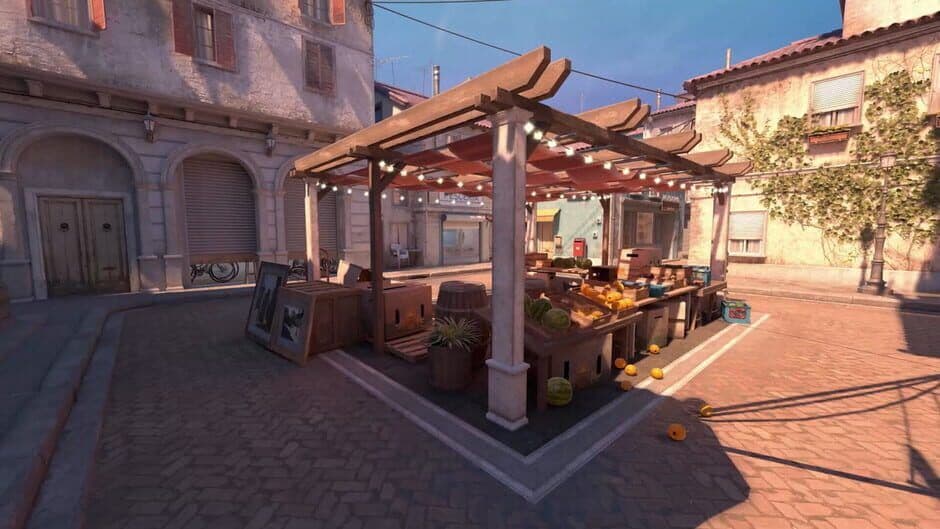
Decoys create audio distractions to help players cross dangerous lanes.
Mastering the Decoy's Core Mechanics
First, understand what you're buying. The Decoy Grenade costs $50 in the Buy Menu. Once thrown, it emits the firing sound of whatever weapon you currently have equipped for 10 seconds, ending with a small, harmless explosion. Here's the real kicker: it also creates a Decoy Radar Presence, appearing as a red dot player icon on the enemy's minimap for its entire duration. This one-two punch of audio and visual deception is what makes it so potent.
Strategic Applications: More Than Just Noise
A decoy thrown randomly is just $50 wasted. Used with intent, it becomes a game-changer. Here are three core strategies to weave into your playbook.
Strategy: Fake Rush
This is your classic bait-and-switch. If your team is stacking up to execute on Bombsite B, have a player throw a decoy towards Bombsite A. The sudden gunfire and radar blip will scream "rush A!" to the defenders, often pulling one or more players away from your real target. This splits their defense and makes your actual push significantly easier.
Strategy: Sound Baiting
In a Clutch Situation where you're the last player alive, use the decoy to manipulate your opponent. Throw it in one direction—like down a long hallway—then immediately reposition to the opposite angle. An attentive enemy will often swing to challenge the "player" they heard, exposing their back to your real position. It's a simple trick that wins unwinnable rounds.
Strategy: Footstep Masking
The Post-plant phase is tense and quiet. Use that silence against the retaking Counter-Terrorists. Deploy a Decoy somewhere on the site. Its constant gunfire will cover the sound of a teammate's movement, allowing them to shift to a new, unexpected angle without giving away their rotation. This is especially deadly when combined with a smoke grenade, selling the illusion of a defender holding a specific spot.
Equip a powerful-sounding weapon like an AWP or AK-47 before throwing your decoy. The intimidating report sells the fake much more convincingly than a pistol's pop.
Putting It All Together
Trust me, the decoy’s low cost means there’s almost no risk to experimenting. Start by buying one on full buy rounds instead of that second flashbang. Use it to check corners by listening for enemy reactions, or combine it with a smoke to make a fake site execute feel overwhelming. Remember, its power isn't in damage—it's in the hesitation and confusion it creates. A confused enemy is a slow enemy, and in Counter-Strike 2, timing is everything.
With these tricks, you're ready to turn the cheapest grenade into your most valuable tool for map control and mind games. Let's go.
Flashbang Techniques for Entry and Defense in CS2
Your flashbang isn’t just a $200 grenade—it’s your key to turning an impossible entry into a free kill or stopping a rush dead in its tracks. In Counter-Strike 2, mastering the flashbang separates good aimers from great players. But a poorly thrown flash can be a round-loser, blinding your own team more than the enemy. Let’s fix that.
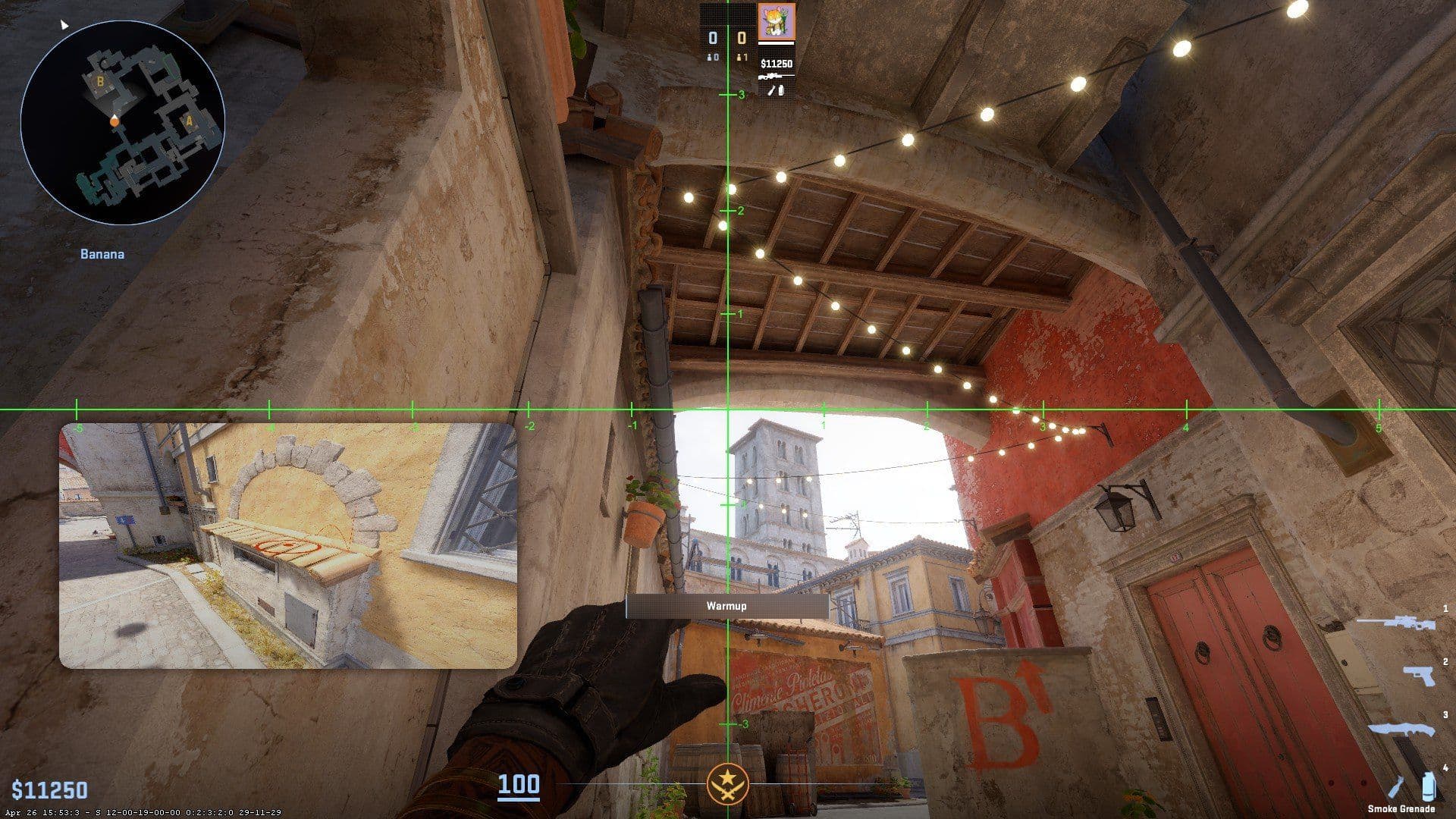
Defensive flashbangs are often used to retake narrow corridors like this.
We’ll break down the flash types that win rounds and the cardinal rule of not flashing your teammates.
The Pop Flash: Your Entry Ticket
The Pop Flash is your most aggressive tool. The goal is simple: throw it close and low around a corner so it detonates the instant it clears the wall, giving the enemy zero time to react. This isn’t a lob; it’s a snap. You should be swinging into the angle as it pops, catching defenders fully blinded. Practice this from common peek spots—like A Main on Mirage or Banana on Inferno—until the timing is muscle memory.
The Support Flash: For Your Teammate
When you’re not leading the charge, you provide the Support Flash. From an entry point, you throw this one high and deep, arcing it over your teammate’s head to blind defenders holding the angle they’re about to challenge. Communication is everything here. A simple “flashing for you” lets your entry player time their push perfectly as the flash detonates behind them. This is how you enable a teammate to win a duel they’d otherwise lose.
Chain Flashing: Breaking Stubborn Holds
Against skilled players who turn away from the first flash, Chain Flashing is your answer. At a choke point, throw your first flash to force the turn, then follow with a second flash roughly ~0.5s apart. The first flash makes them look away; the second catches them as they try to re-peek. This is devastating for breaking stacked site holds or clearing common re-peek angles like Jungle or Connector.
When chaining flashes, mix your throws—use a pop flash first to force the turn, then a high, deep support flash second. This variation makes it much harder for defenders to time their counter-play.
How to Avoid Blinding Your Team (And Yourself)
This is where games are won or lost in the chat. Always be hyper-aware of where your teammates are looking.
- Communicate Every Throw: A quick “flash left” or “flashing site” gives your team a chance to turn.
- Throw From the Side: The most common mistake is throwing a flashbang directly in front of your team’s line of sight. Instead, position yourself to the side of your teammates before you throw, so the flash explodes from an angle they aren’t facing.
- Know the Flash Counter: If you do get caught by a teammate’s flash, the flash counter mechanic is your savior. In combat, the moment you hear the whoosh of an incoming flash, [Mouse] flick 90 degrees away from the source. This dramatically reduces the blind duration, letting you recover faster. It’s a lifesaver in chaotic executes.
⚠️ Watch out: A flashbang that blinds two teammates is worse than no flash at all. When in doubt, don’t throw it. It’s better to dry peek with your team than to blind them all.
With these techniques, you’re not just throwing a grenade—you’re creating a decisive, unfair advantage. Now go light them up.
Advanced Utility Binds and Practice in Counter-Strike 2
This is where theory meets muscle memory. In Counter-Strike 2, the difference between a good utility player and a great one often comes down to milliseconds and a single key press. Fumbling through your inventory for a smoke while your team executes is a round-losing mistake. Let's eliminate that weakness and build the technical foundation for professional-level utility play.
CS2 character and map detail.
Setting Up Your Instant-Access Binds
The first step is bypassing the weapon wheel entirely. You need to be able to pull any grenade with a single, dedicated key. Counter-Strike 2 uses a slot-based system, and here’s the exact command structure you need to bind:
- slot6 = HE Grenade
- slot7 = Flashbang
- slot8 = Smoke Grenade
- slot9 = Decoy Grenade
- slot10 = Molotov/Incendiary
You can set these up in two ways. The easiest is in Settings -> Keyboard/Mouse -> Weapon Keys, scrolling down to assign a key to each grenade slot. For more control, open the developer console (enable it in Settings -> Game) and type commands like bind "z" "slot6" for your HE grenade. Popular binds use keys like Z, X, C, V, and B, or side mouse buttons (Mouse4 and Mouse5).
Save your binds in a custom config file (like mygrenades.cfg) in your .../steamapps/common/Counter-Strike Global Offensive/game/csgo/cfg/ folder. Type exec mygrenades in the console to load them instantly on any PC.
The second essential bind is a Jump-Throw Bind. This script makes your character jump and release a grenade at the exact apex of the jump, crucial for consistent, long-distance lineups. This requires a simple script in your autoexec.cfg file. Once set up, you simply aim, hold your left mouse button, and tap your jump key (like [Space]) to execute a perfect jump-throw every time.
Your Personal Practice Arena
Now you need a lab to experiment. Head to the Main Menu and select Practice. This is your sandbox. Once in a map, open the console to enable the tools that make practice efficient:
sv_cheats 1– Enables cheat commands.sv_infinite_ammo 1– Gives you unlimited grenades.sv_grenade_trajectory_prac_pipreview true– This is the magic one. It shows a persistent, previewed arc for your throw before you even release the grenade, letting you perfect lineups visually.ammo_grenade_limit_total 5– Lets you carry one of each grenade type.sv_rethrow_last_grenade– A handy command to instantly re-throw your last grenade, perfect for rapid repetition.
Here’s the trick most guides miss: don’t just memorize lineups. Use the Grenade Camera (enabled in practice settings) to follow your nade in-flight. Understand why it lands where it does. Practice not just the throw, but the movement after the throw—peeking with a flash, swinging off a molly, or repositioning after a smoke.
The Philosophy of Intentional Utility
With the technical setup complete, the final piece is mindset. As expert Pawel ‘Biegan’ Bieganowski emphasizes, high-level utility is about using every grenade with intent to create the next advantage. A smoke isn’t just to block vision; it’s to make the next angle you peek safer. A flash isn’t just to blind; it’s a contract with your teammate to swing and trade. Your HE isn’t for hopeful damage; it’s to punish a predictable position you’ve gained info on.
Think in sequences. The fundamental combo is smoke, flash, swing: you block the hardest angle, blind the next defender, and take the duel on your terms. Every piece of utility should answer a question: Does this deny vision? Force movement? Win me space? Protect my teammate? If the answer is no, you might be wasting $300.
With your binds configured, your practice routine locked in, and this intentional mindset, you’re not just throwing grenades—you’re scripting rounds. Go control the game.